


Mixcraft roundup
The Best Mixcrafts for the Money
No single “best” Mixcraft here — just the right tier for what you're actually making. Here's the best fit for your project.
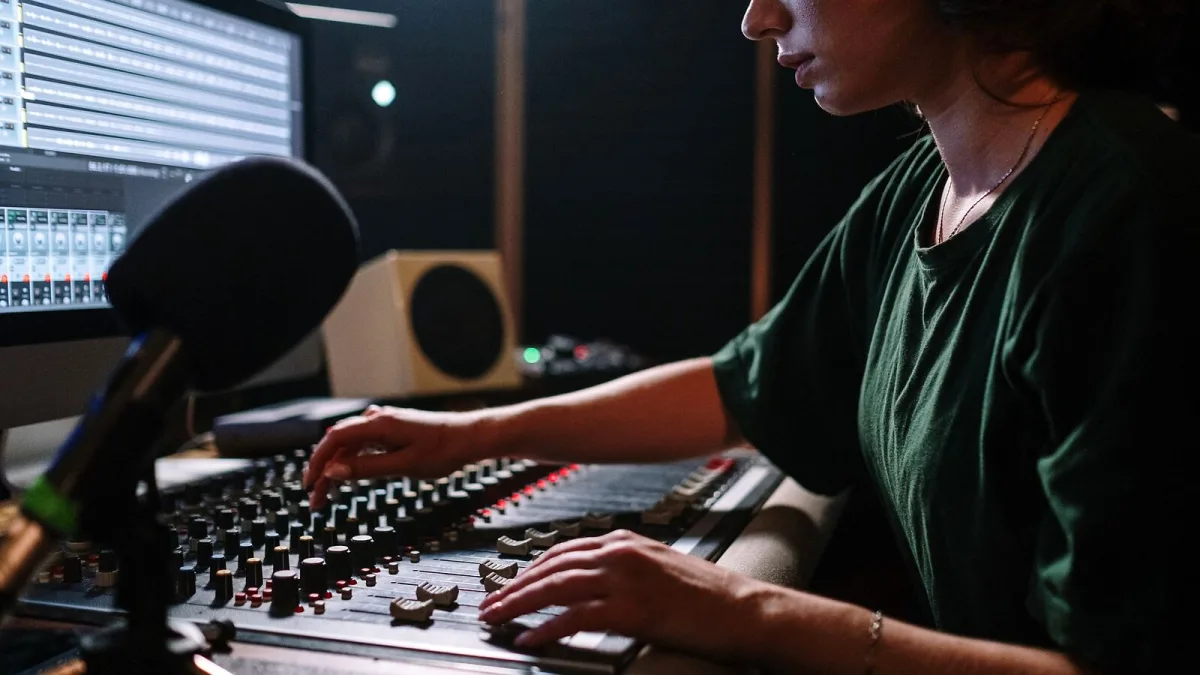
"Best" is a slippery word for a DAW, because the right pick genuinely depends on what you're making, not on chasing the fanciest tier. So instead of just telling you to buy the top edition, here's the best Mixcraft setup for a handful of specific situations — pick the one that actually matches yours.
All three Mixcraft editions share the same core engine, so you're never buying a fundamentally worse piece of software at a lower tier — just a smaller toolkit. That's worth knowing before you talk yourself into overspending.
Best for a first-time home recordist on a tight budget
Home Studio. You don't need unlimited tracks or AI stem separation to record a demo, learn the Mixcraft interface, or figure out whether home recording is even something you want to keep doing. Spend the saving on a half-decent microphone or audio interface instead — that'll improve your recordings more than a bigger software tier at this stage.
Best for a gigging songwriter building a proper home setup
Recording Studio. Unlimited tracks matter once you're layering harmonies, doubling guitars, and building up a full arrangement rather than a rough sketch. This tier covers the vast majority of singer-songwriter, band demo and general home-production work without paying for tools you won't touch.
Best for electronic producers and loop-based composition
Also Recording Studio for most people, with an eye on Pro Studio if you're doing dense, plugin-heavy productions. The Live Performance Panel for clip launching is available across editions, so the main reason to go Pro here is CPU-hungry sound design work that benefits from the larger bundled instrument and effects library.
Best for advanced production, sound design and remixing
Pro Studio, and this is the one case where the top tier earns its keep for most buyers in this category. AI-powered stem separation is genuinely useful for remix work and sampling from existing mixes, and Track Regions make managing complex, many-layered arrangements far less fiddly.
Best for podcasters and video creators
| Need | Best fit |
|---|---|
| Simple podcast recording and editing | Home Studio or Recording Studio |
| Podcast plus video export in one project | Recording Studio (video tracks are available from this tier up) |
| Heavier multi-camera or complex video work | Pro Studio, or a dedicated video editor alongside it |
Worth remembering that Mixcraft's video tools are a genuinely useful bonus rather than a replacement for a dedicated editor if your video needs get properly ambitious.
Best for education and classroom use
Recording Studio again, generally, since Acoustica's own teaching materials are built around the standard workflow rather than the Pro-only extras. A classroom set of licences rarely needs stem separation or Track Regions — the core recording, MIDI and mixing tools already cover most curricula.
Best value if you're not sure which tier you need yet
Start with whichever Mixcraft tier covers your current project, not your hypothetical future one. Acoustica's Mixcraft upgrade path means you're rarely locked into a decision forever, and it's far easier to justify moving up once you've hit a genuine limitation than to guess correctly from a standing start. If you want the full breakdown of what separates the tiers before deciding, our Mixcraft buyer's guide covers that properly.
The bottom line
There's no single "best" Mixcraft edition — just the tier that matches what you're actually recording this month. Match the edition to the project in front of you, not the one you might start next year, and you'll get considerably more value out of it. New to the whole idea of home recording? Our beginner's guide is the gentler starting point, and our full explainer covers the whole feature set in depth.




Comments