


Mixcraft article
Mixcraft Explained: Features, Types and Tips
Quietly capable and often overlooked — here's what Mixcraft actually does, across recording, MIDI, loops and video, in one window.
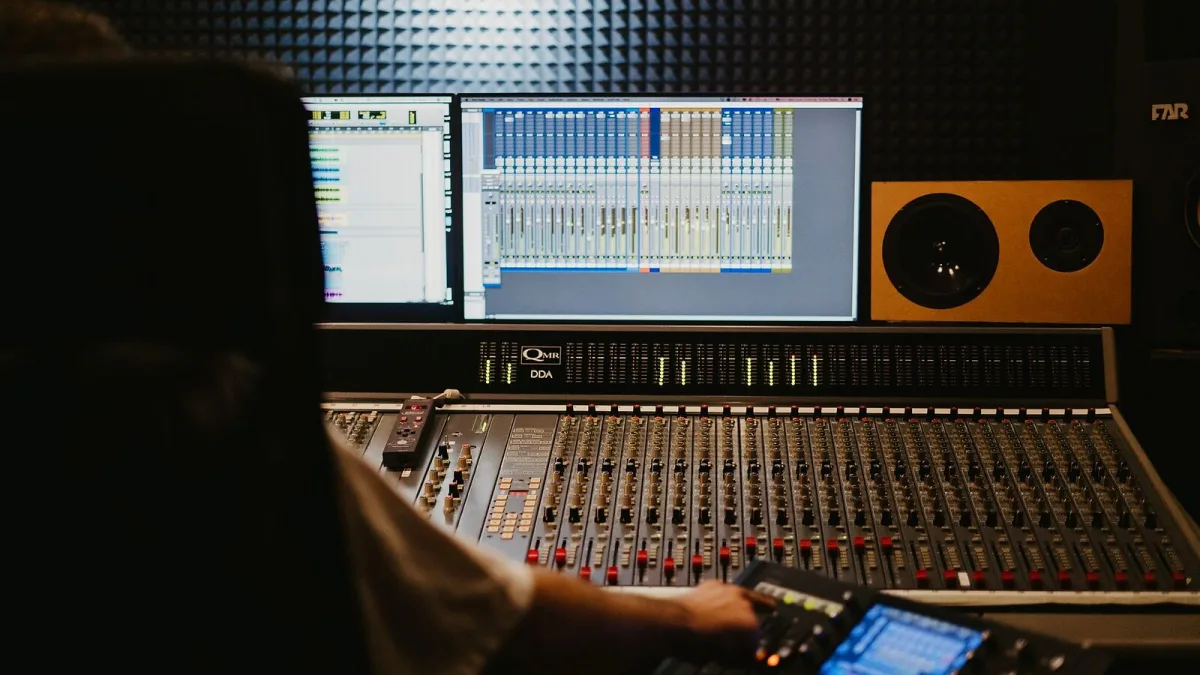
Mixcraft doesn't get talked about as much as the big names in home recording software, and honestly, that's a bit of a shame. It's been quietly doing the job — recording, loops, MIDI, even video — for years, without much of the fuss the flashier DAWs (that's short for digital audio workstation, the software you record and mix everything in) attract. Let's have a proper look at what it actually does.
What Mixcraft actually is
Mixcraft is a Windows DAW made by a company called Acoustica, built for recording, editing, mixing, MIDI production and loop-based composition, plus a video editor bolted onto the same single window. That "everything in one window" bit is genuinely the point — you're not bouncing between separate apps for audio, MIDI and video the way you sometimes have to elsewhere.
The current release is Mixcraft 10.6, and it comes in three flavours: Home Studio, Recording Studio and Pro Studio, each adding more headroom as you go up. Acoustica has been iterating on the same core program for years rather than starting from scratch each time, which is part of why it feels so settled to use.
The three editions, roughly
| Edition | Suits | What you get more of |
|---|---|---|
| Home Studio | Beginners, simple recording | Entry-level track and instrument count |
| Recording Studio | Home recording, songwriting | Unlimited tracks, fuller feature set |
| Pro Studio | Advanced production, sound design | More instruments/effects, AI stem separation, Track Regions |
Check the exact numbers (instrument count, effect count, price) on Acoustica's own comparison page before buying — those details shift between versions and are the sort of thing you want current, not from a guide like this one.
What you can actually do with it
- Multitrack recording — audio tracks for mics and instruments, instrument tracks for MIDI, the usual timeline-based workflow.
- Loop-based composition — a Live Performance Panel for launching clips, handy for electronic and dance production rather than strict linear arranging.
- MIDI and notation — Piano Roll and Step Editor views, plus proper music notation if you read and write in that format.
- Mixing tools — SubMix tracks for grouping (drums together, vocals together), Send tracks for shared reverb or delay, per-track EQ, and a decent stack of built-in effects.
- Video editing — genuinely useful if you're scoring a video, making a performance clip, or putting together a podcast with visuals.
What's new-ish in 10.6
The headline additions on the Pro Studio tier are AI-powered stem separation — splitting a finished mix back into rough vocal, drum and instrument components — and Track Regions, which let you group clips, tracks and their automation together and move them as one block. Worth treating the stem separation as a handy starting point for edits rather than a substitute for having the original multitrack files; separation quality varies with how dense and reverb-heavy the mix already is.
Who Mixcraft actually suits
Songwriters and home-studio owners who want one program rather than five. Educators, since Acoustica publishes teaching materials alongside it. Content creators who need audio and video handled in the same place. Mixcraft is less of an obvious pick if you're deep into a specific niche workflow that a more specialised DAW already nails — but as a general-purpose home studio, it covers a genuinely wide range of jobs without asking you to learn several separate pieces of software.
Worth a mention too: because Mixcraft bundles a real video editor alongside the audio side, it quietly suits podcasters and video creators who'd otherwise need a completely separate editing app just to get their episode or clip out the door.
Where to go from here
Trying to work out which edition actually makes sense for your setup? Our Mixcraft buyer's guide gets into that properly. Brand new to home recording altogether? Start with our beginner's guide instead. And if you want to see how the editions stack up on value, our pick of the best options for the money breaks it down tier by tier.
It's not the loudest name in home recording, but spend an evening in it and it's easy to see why people who use it tend to stick with it.




Comments