


Looper App article
Looper App: A Complete Guide
Say 'looper app' to three musicians and you'll get three different mental pictures. Here's a complete guide to what they actually are and how they differ.
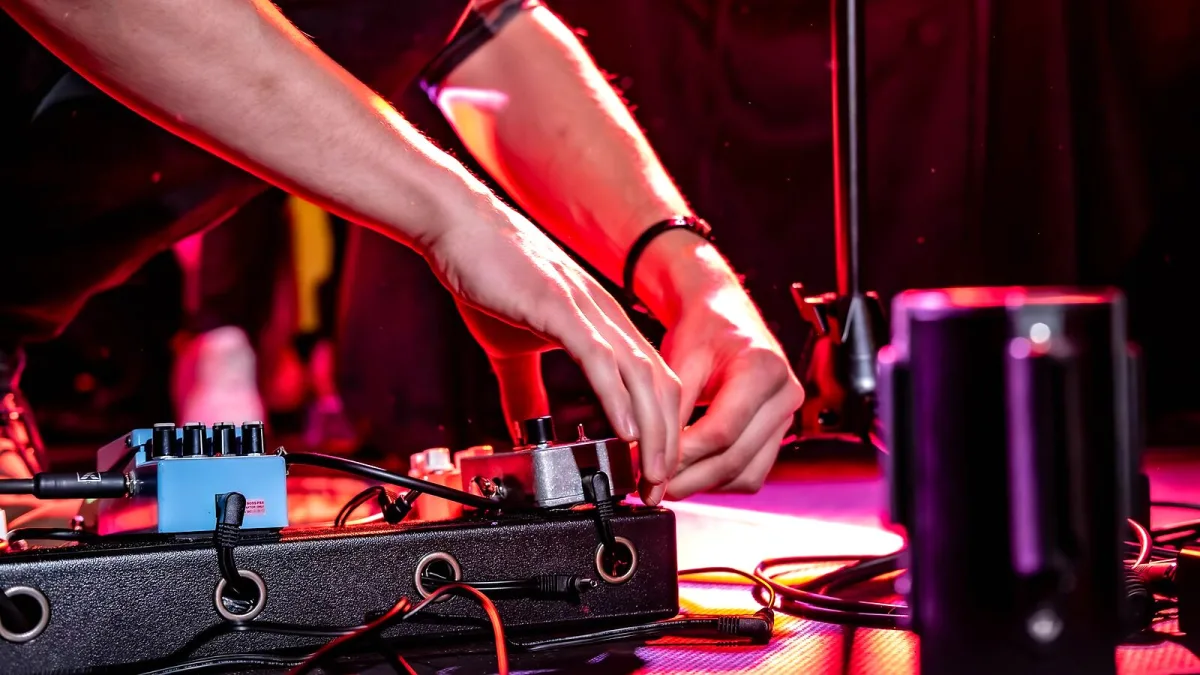
Say "looper app" to three different musicians and you'll probably get three different mental pictures — a singer building harmonies live on stage, a guitarist practising a solo in slow motion, a producer stacking samples into a beat. All three are genuinely correct. Let's sort out which is which, and what actually matters in each case.
Three Different Things Hiding Under One Name
Before comparing any specific app, it helps to separate three genuinely different tools that all get called a looper app:
- Live loopers — record a phrase and repeat it instantly, letting you overdub extra layers in real time while performing
- Practice loopers — slow down, repeat or isolate a section of an existing recording so you can learn it properly
- Loop-grid and DAW-based tools — trigger pre-made clips or build a full track from samples, sequencing and effects
A singer chasing live layers and a student slowing down a guitar solo need almost entirely different features, even though both would happily describe what they're using as a looper app.
How the Live-Looping Workflow Actually Works
Whichever app you pick for performance, the basic sequence stays the same:
- Set a tempo, or start recording freely without one.
- Record your first phrase.
- Close the loop at the point you want it to repeat.
- Overdub additional layers on top.
- Mute, clear or undo layers as the performance develops.
Everything else — effects, MIDI control, multitrack export — sits on top of that basic cycle.
Where the Platforms Actually Differ
Dedicated live-looping tools are concentrated heavily on iOS and iPadOS, with apps like Loopy HD and the more advanced Loopy Pro leading that space. Android users tend to lean on samplers and mobile DAWs such as Koala Sampler or FL Studio Mobile instead, since dedicated pedal-style loopers are thinner on the ground there. Neither platform is wrong — they just point you toward slightly different tools.
| You want to… | Look for |
|---|---|
| Layer vocals or an instrument live | A dedicated live looper with low latency and overdub control |
| Practise a section of a song | A practice-focused app with speed and section controls |
| Build a beat from samples | A sampler or loop-grid app |
| Produce a full track | A mobile DAW with multitrack editing and export |
The Features That Actually Matter Live
Once you're on stage, a handful of things matter far more than a long effects list: low latency between playing and hearing the loop, reliable tempo sync and quantized recording so multiple layers stay locked together, a genuine undo for a botched overdub, and hands-free control via a MIDI or Bluetooth footswitch so you're not stabbing at a screen mid-song.
Built-In Mic or Audio Interface?
A phone or tablet's built-in microphone is perfectly fine for experimenting and working out whether looping suits how you play. Once you're actually performing, though, an external audio interface earns its keep quickly — better input quality, more predictable monitoring, lower latency, and separate channels if you're running a vocal mic and an instrument at the same time. Test any setup with your actual headphones and device before trusting it on a real stage.
Sync, Quantization and Why They Matter
Any decent looper app has to decide when a phrase starts and stops. Free recording lets you close the loop manually, which feels natural but can drift over several layers. Tempo-based recording, with quantization snapping your playing to the beat, keeps everything locked together even across a long overdubbed build. If you're layering more than two or three parts, quantization stops small timing slips from turning into an audible mess by the fourth layer.
The Bottom Line
Work out which of the three jobs you actually need done, and the right choice gets much easier to spot. If you're ready to buy, our complete buyer's guide covers exactly what to check before you commit, and the best looper apps for the money breaks things down by budget. New to looping altogether? Our beginner's guide starts from scratch, and it's worth reading common mistakes to avoid before your first live set.




Comments