


Looper App roundup
Looper App: A Complete Buyer's Guide
Before you tap buy on the first search result, let's work out what you're actually shopping for. Here's what to check before buying a looper app.
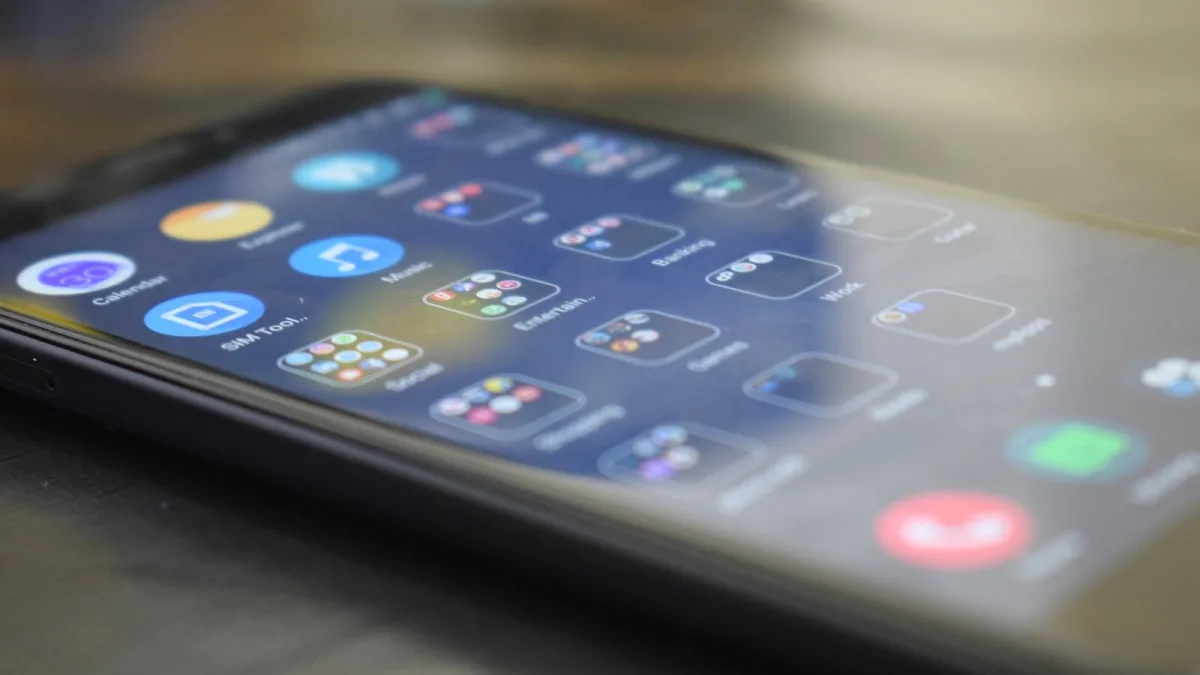
Right, before you tap "buy" on the first thing that pops up in a search, let's work out what you're actually shopping for. A looper app aimed at live vocal layering and a looper app aimed at slowing down a guitar solo to learn it are built for completely different jobs, even when both show up under the same search term.
Step One: Name Your Actual Use Case
Be honest about what you'll actually do with this thing:
- Performing live — you need low latency, reliable sync and hands-free control
- Practising an instrument — you need accurate section looping and speed control, not overdubbing
- Making beats — you need sampling, trimming and pads more than pedal-style looping
- Producing full tracks — you need multitrack editing, sequencing and proper export
Getting this wrong is the single most common reason people end up disappointed with an app that's actually perfectly good — just for a different job than the one they had in mind.
The Spec Sheet Worth Actually Reading
| Spec | Why it matters |
|---|---|
| Latency | High latency makes live looping feel disconnected and throws off your timing |
| Tempo sync & quantization | Keeps multiple overdubbed layers rhythmically locked together |
| Overdub & undo | Lets you fix a bad layer without wrecking the whole performance |
| MIDI / footswitch support | Hands-free control if you're singing or playing at the same time |
| Audio interface support | Better input quality and lower latency than the built-in mic |
| Export format | Determines whether you can actually use the recording afterwards |
Platform Reality Check
If live looping is genuinely the priority, iOS and iPadOS currently have the deeper, more mature options — Loopy HD and the more advanced Loopy Pro are the names that keep coming up. Android users aren't out of luck, but the honest picture is that dedicated pedal-style loopers are thinner there, with samplers like Koala Sampler or mobile DAWs such as FL Studio Mobile often filling the gap instead. Check this before you buy hardware to go with it, not after.
Pricing: Know What You're Actually Comparing
Pricing varies by app, platform and region, and it changes over time, so treat any specific figure as a snapshot rather than gospel. Loopy HD, for instance, has been listed on the App Store at around $4.99 — a genuinely low bar to test whether live looping suits how you play, though you should always check the current listing yourself before buying. Some more advanced tools use one-time purchases, others use subscriptions; know which model you're agreeing to before you confirm.
Free Trial or Free Tier First
Wherever possible, test before you commit properly. Plenty of developers offer a free or limited version of a looper app precisely so you can check latency, workflow and general feel on your own device before paying for the full version. Fifteen minutes with a free tier tells you more than any spec sheet, including this one, ever will.
Questions Worth Asking Before You Commit
- Does it support the audio interface or MIDI footswitch I already own, or plan to buy?
- Can I actually test latency on my own device before paying?
- What format does it export in, and can I get individual layers out, not just a mixed-down file?
- Is background audio and recovery after a phone call handled properly, or does a loop just vanish?
The Bottom Line
Match the app to the actual job, check the platform reality for your device, and treat pricing as a snapshot rather than a fixed number. For a full breakdown of what a looper app actually is first, see our complete guide, and once you know your budget, the best looper apps for the money breaks things down by price tier. If you're brand new to looping, start with our beginner's guide instead, and read common mistakes to avoid before you spend a penny.




Comments