


GarageBand roundup
The Best Garagebands for the Money
GarageBand includes tools many users never discover — here are the features that make the biggest difference to what you can produce.
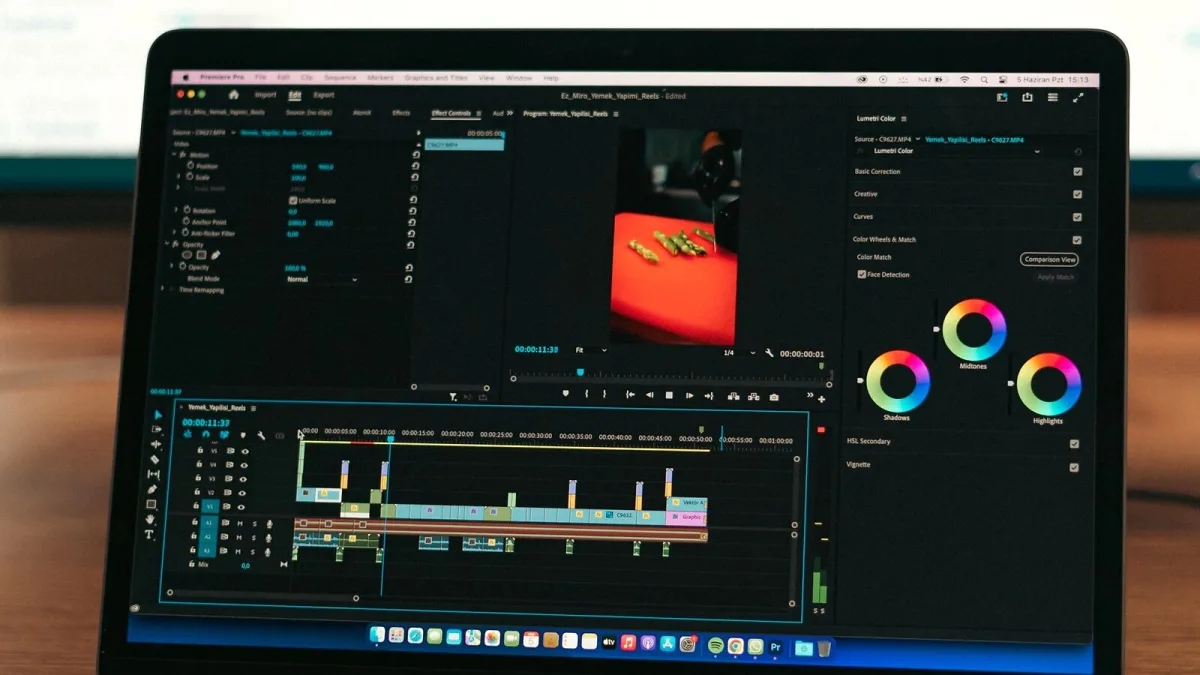
GarageBand includes a range of features that many users overlook or underuse. The best elements of the software are not always the most obvious — several of the most powerful tools are buried in menus or require a small amount of setup to unlock their full value. Here is what is genuinely worth knowing.
Drummer: The Most Underused Feature
The Drummer track generates realistic, musically intelligent drum parts that adapt to your project. You can choose from dozens of drummers and genres, set the complexity and loudness independently, lock the kick and snare pattern, and have the drummer follow specific tracks in your arrangement. The result is a convincing drum part that can be used directly or as a reference. Most beginners add a static drum loop — Drummer is substantially more useful and flexible.
Alchemy: The Hidden Synthesiser
Alchemy is a full-featured sample synthesis engine shared with Logic Pro. It ships with hundreds of presets covering pads, leads, textures, keys and effects. The Transform Pad on the right side of the interface allows real-time morphing between sound states, making it easy to add movement to static sounds without understanding synthesis. For ambient, cinematic and electronic music, Alchemy is the most capable built-in instrument available.
Flex Time for Timing Correction
Flex Time corrects the timing of recorded audio non-destructively by stretching or compressing individual sections. You can drag note transients onto the grid, tighten a guitar performance to a click track, or align recorded audio without re-recording. To use it: click the Flex button (the overlapping arrows icon) in the Smart Controls area and choose a flex mode appropriate to your material.
Smart Controls
Smart Controls appear at the bottom of the screen and provide a simplified set of parameters for the currently selected track — EQ, reverb, compression and instrument-specific controls. They are well-designed for quick adjustments without opening individual plugin windows. For beginners learning to mix, Smart Controls make it easy to understand what each parameter does without navigating multiple plugin interfaces.
The Loop Browser
GarageBand includes over 1,000 royalty-free loops organised by genre, tempo and instrument. They automatically conform to your project tempo when dragged into the arrangement. The blue Apple Loops are audio, the green loops are MIDI — you can edit MIDI loops note-by-note to customise them. For producers working quickly, the loop library is one of the fastest ways to build a track foundation without recording anything.
Track Stacks for Organisation
Track Stacks group multiple tracks under a single summing or folder stack, allowing you to process or mute groups together. This is the closest GarageBand gets to bus routing — a Summing Stack sends multiple tracks to a shared channel where you can apply compression or reverb to the group. It is not as powerful as a full send/return routing system, but covers most common grouping scenarios well.
For a full overview of what the software does, see the features guide. For beginners getting started, the beginner's guide covers the basics first.
The Bottom Line
The best features of GarageBand are Drummer for realistic beat creation, Alchemy for synthesis, Flex Time for timing correction, and Track Stacks for basic bus-style grouping. Getting comfortable with these four tools alone significantly improves the quality of output from the software.





Comments