


Fruity Loops roundup
Fruity Loops: A Complete Buyer's Guide
Buying FL Studio — still known as Fruity Loops to most producers — comes down to one question: do you need audio recording or not? Here's everything else you need to know.
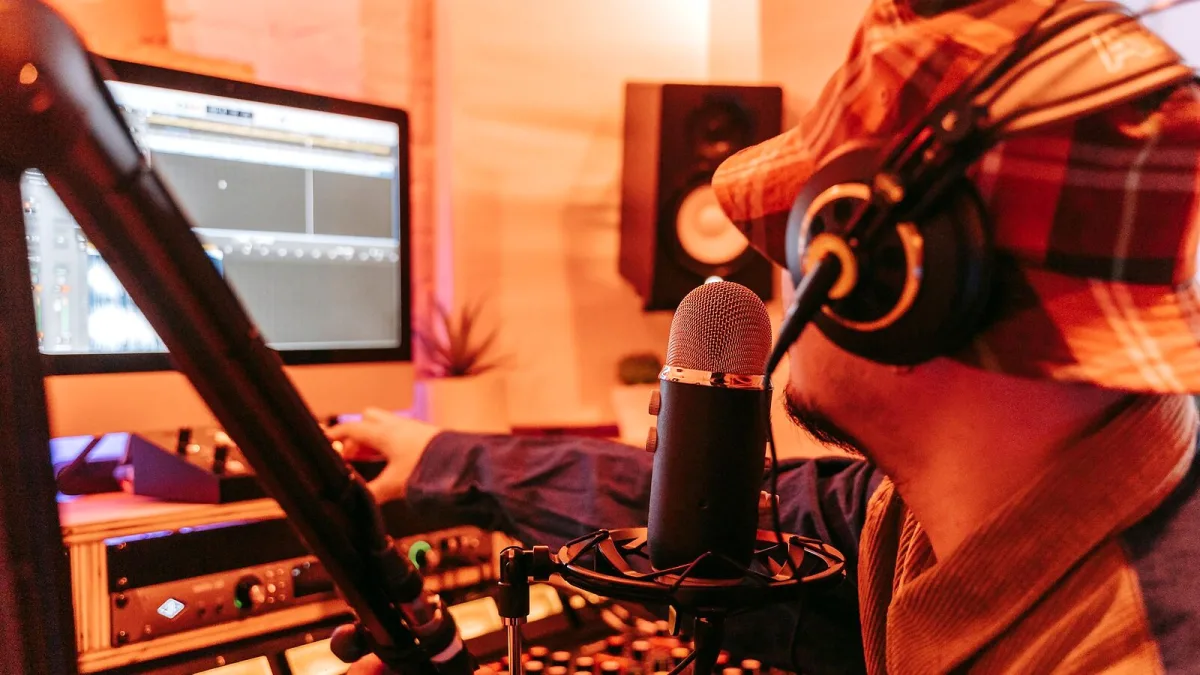
Buying FL Studio — still called Fruity Loops by most producers — isn't complicated once you know what each edition actually gives you. The decision mostly comes down to one question: do you need to record audio, or are you sticking to MIDI and samples? Everything else follows from that. Here's how to think it through before you spend a penny.
Know What You're Actually Buying
FL Studio is a digital audio workstation (DAW) made by Belgian company Image-Line. It started in 1997 as a simple drum machine, and it's now a full music-production environment used by bedroom producers and professionals alike. The name on the tin says "Fruity Loops" in producer circles, but the official product is FL Studio, and that's what Image-Line's shop sells.
The key thing about FL Studio is that it comes with Lifetime Free Updates. Pay once, and every future update within your edition tier — new features, instruments, bug fixes — is included indefinitely. That's genuinely rare in software, and it matters when you're deciding whether to stretch your budget to the next tier.
The Four Editions, Honestly Compared
Image-Line currently sells four main desktop editions. The differences are real, not marketing fluff.
Fruity Edition
The cheapest option, and also the most limiting. You get the Channel Rack, the Step Sequencer and the Piano Roll — the core of what makes Fruity Loops fun to use. What you don't get is full Playlist functionality or the ability to record audio. That means no vocals, no guitar, no recording hardware synthesisers through a microphone or DI.
It's tempting as a starting point, but most producers outgrow it quickly. If you're serious about making music — even just beats — it's worth thinking hard before choosing this one.
Producer Edition
This is where the software becomes a proper production tool. You get everything in Fruity Edition plus full Playlist control, audio recording, Automation Clips, Edison (the built-in audio editor), and Slicex (for chopping up samples and loops). These aren't luxury add-ons — they're the tools you'll use every session.
For most producers, especially those making hip-hop, trap, electronic or pop, the Producer Edition is the right buy. It gives you a complete workflow without paying for a heap of instruments you might never touch.
Signature Bundle
Producer Edition with a hand-picked selection of extra Image-Line instruments and effects. The exact bundle changes over time, but it typically adds tools like Harmor (an additive/resynthesis synthesiser), Maximus (a multiband dynamics processor), and a few other instruments that are expensive to buy separately.
Worth it if you know you want those specific tools. Not worth it if you're going to load up your own third-party plug-ins and ignore Image-Line's library anyway.
All Plugins Edition
Producer Edition plus every Image-Line native plug-in available at the time of purchase. This is the "kitchen sink" option. If you want the full Image-Line ecosystem — every synth, every drum machine, every effects processor — this covers it. It's also the highest price point, so it makes most sense for producers who are committed to working primarily with its native tools.
Pricing: What to Expect
Image-Line's official shop listed approximate prices of $99 for Fruity Edition, $179 for Producer Edition, $269 for the Signature Bundle and $449 for the All Plugins Edition as of the time of writing — but pricing changes, and local taxes and promotions vary by country. Always check the current price at Image-Line's official website before purchasing.
There's also a payment plan option: monthly instalments that convert to full lifetime ownership, including Lifetime Free Updates, after 12 payments. If upfront cost is the main obstacle, that's a reasonable route.
What to Consider Before You Buy
Will you record audio?
If the answer is yes — vocals, live guitar, acoustic instruments, hardware synthesisers — you need Producer Edition or higher. Fruity Edition's audio recording limitations will get in your way immediately.
How important are third-party plug-ins to you?
The DAW supports VST and AU plug-ins, so you can use instruments and effects from other developers regardless of which edition you buy. If you're planning to bring in a lot of third-party software, the difference between editions is mainly about the native tools, not the overall capability.
Are you coming from another DAW?
If you're switching from Ableton Live, Logic Pro or another platform, Producer Edition is almost certainly the right starting point. You'll want the full recording and arrangement capabilities to rebuild your existing workflow.
What genre are you making?
FL Studio suits beat-based music particularly well, but it handles anything. Hip-hop and electronic producers often find everything they need in Producer Edition's native library. Producers working with orchestral samples, film scoring or complex recorded arrangements might find the upper editions' additional tools useful.
Things Worth Knowing Before You Commit
- You can upgrade between editions by paying the price difference at any point. If you start with Producer Edition and later want the All Plugins Edition, you pay the gap, not the full price again.
- Lifetime Free Updates apply to the edition you own. If Image-Line adds a new instrument to the All Plugins Edition, you get it free. If you own Producer Edition, you'd need to upgrade to access it.
- FL Cloud is separate. Access to royalty-free loops, samples and presets through FL Cloud involves its own subscription or credit system. The base purchase includes some free credits, but broader library access requires a subscription.
- The trial is worth using. Image-Line offers a demo version. Use it — the interface is distinctive, and it's worth knowing whether the pattern-based workflow clicks for you before you buy.
The Bottom Line
For most people buying Fruity Loops for the first time, Producer Edition is the sensible choice. It gives you a complete, professional workflow without paying for instruments you may never open. If you know you want Image-Line's full plug-in collection, budget for All Plugins Edition. If you're genuinely only experimenting and don't need audio recording, Fruity Edition covers the basics — but don't be surprised if you're upgrading within a few months.
Want to understand how the software actually works before you buy? Our FL Studio explainer covers the core components in detail. Already bought it and looking for a practical starting point? The beginner's guide to Fruity Loops gets you up and running without the overwhelm. And if you want a straight value-for-money breakdown, take a look at the best FL Studio edition for your budget.






Comments