


Cakewalk roundup
The Best Cakewalks for the Money
Cakewalk's best value is often free. Here's where the real value sits, and what to spend your budget on instead of the software itself.
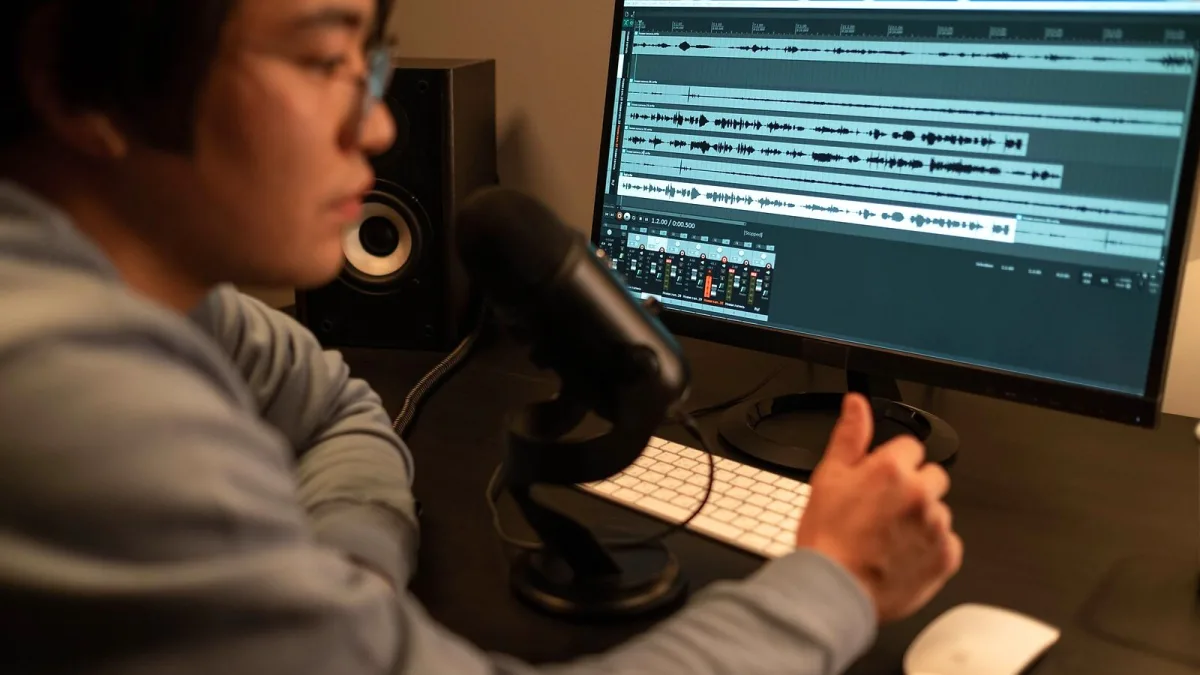
Here's the fun bit about Cakewalk: the "best Cakewalk for the money" question is genuinely interesting because a huge chunk of it costs nothing at all. So rather than pretending there's one best purchase, let's actually work out where real value sits — free tier, paid membership, and everything you'd otherwise spend money on instead.
Best overall value: the free tier, full stop
For the vast majority of home producers, the free core tier of Cakewalk Sonar is the best-value option there is, because it's not a stripped-down trial — it's unlimited tracks, the complete Skylight interface, AudioSnap, VocalSync, Arranger tracks and a genuinely usable set of built-in instruments and effects. Compare that to paying a monthly subscription elsewhere for broadly similar core functionality, and the value case for starting here is about as strong as it gets in this hobby.
Best value once you outgrow the basics: the paid membership
The membership tier earns its keep once you've genuinely hit a wall the free version can't solve — full ProChannel module access for deeper channel processing, an expanded instrument set including XSampler, and fuller access to BandLab's loop and sample library. If you're producing regularly and craving more sound-design options than the free bundle offers, that's when the membership's value proposition actually clicks into place, rather than a moment earlier.
Best value if you're migrating from the old free version
If you're still on the discontinued Cakewalk by BandLab, the best-value move is simply upgrading to current Sonar rather than clinging to unmaintained software. You lose nothing financially — the free tier remains free — and you gain active development, current plug-in compatibility and features like Cakewalk Assist and the newer Track Manager view that never made it into the old release.
Where your Cakewalk budget should actually go instead
Because the software itself is so often free, your budget is usually better spent elsewhere:
| Spend here first | Why it matters more than the software cost |
|---|---|
| A decent audio interface | Determines your actual recording quality and latency far more than the DAW does |
| Closed-back headphones or monitors | You genuinely cannot mix well on built-in laptop speakers |
| Extra storage | Multitrack sessions and sample libraries fill drives faster than people expect |
| A capable microphone | The single biggest quality jump for vocal and acoustic recording on a budget |
Best value versus the competition
Reaper is the other DAW famous for punching above its price, and the comparison is close — both offer deep, professional feature sets without demanding a subscription. Where Cakewalk pulls ahead is a completely free entry point with no trial timer at all; where Reaper pulls ahead is macOS support, which matters enormously if you're not on Windows. Ableton Live and FL Studio cost real money upfront but suit loop-based and electronic workflows more naturally, so the "best value" answer genuinely depends on what you're actually making, not just the price tag.
Don't overspend on the wrong upgrade
The most common way to waste money here isn't buying the membership too early, though that happens — it's buying a more expensive DAW entirely because a free one feels like it can't be "the real thing." It is. For a fuller look at what you get without paying anything, our complete guide covers the full feature set, and our buyer's guide walks through the decision in more detail.
The bottom line
Start free, stay free until a specific limitation genuinely bothers you, and spend the money you save on an interface, monitors or a microphone instead — those purchases will improve your recordings far more than any software upgrade. Only reach for the paid membership once you know exactly which feature you're paying for.





Comments