


Bitwig Studio article
A Guide to Bitwig Studio
Bitwig Studio runs on Windows, macOS and Linux and builds everything around a modular device architecture. The Grid, seamless arranger and launcher, and per-parameter modulation make it distinct from other DAWs.
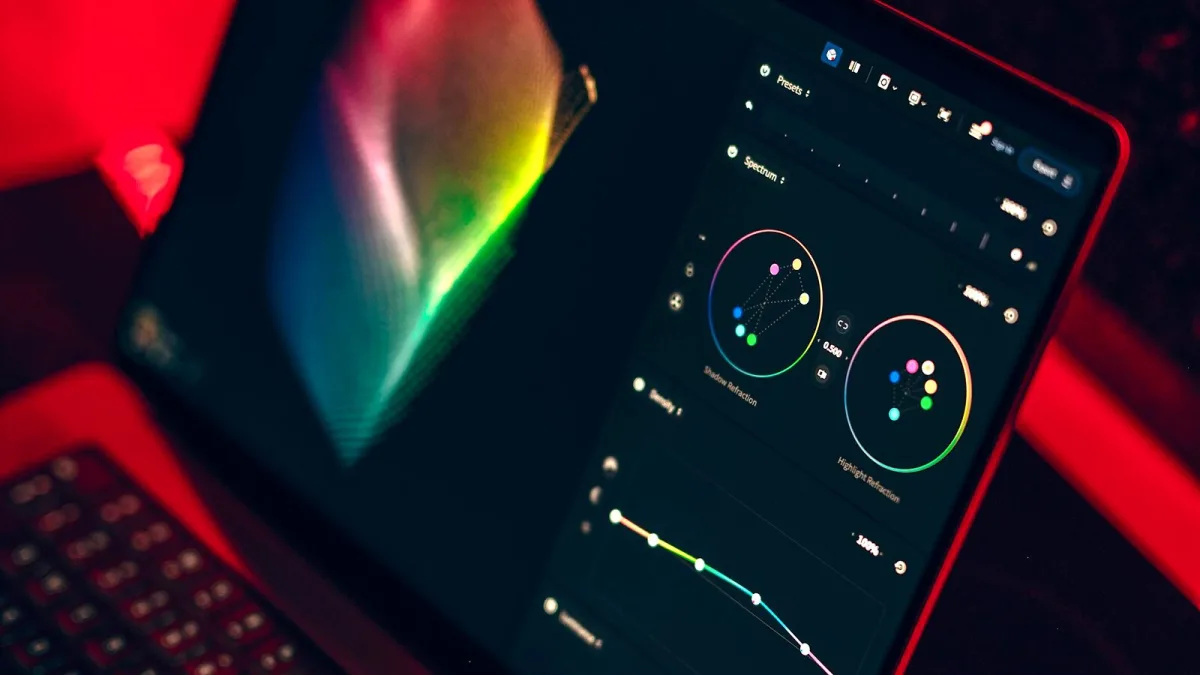
Bitwig Studio is a digital audio workstation developed by Bitwig GmbH and first released in 2014. It runs on Windows, macOS and Linux, and has built a strong following among electronic music producers, live performers and those who integrate hardware modular synthesisers into their setup. Its approach to production differs in several meaningful ways from other mainstream DAWs.
What It Actually Does
At its core, it is a full-featured DAW: multitrack recording, MIDI sequencing, audio editing, mixing and a comprehensive library of built-in instruments and effects. What distinguishes it is the architecture beneath those features. Everything in the software is built around a modular, device-based signal flow. Any device can be nested inside any other. Devices can be chained, layered or routed in ways that most DAWs require workarounds to achieve.
The timeline works in both an arranger view (linear, for composition) and a clip launcher (grid-based, for live performance and loop-based working). Both are fully functional, and switching between them is seamless. Many producers use the clip launcher for sketching ideas and the arranger for finishing them.
The Grid
The Grid is the built-in modular synthesis environment, introduced in version 3. It functions like a software modular synthesiser — signal flow is created by connecting modules with virtual cables, and the modules cover oscillators, filters, envelopes, sequencers, logic and effects. The Grid comes in three forms: Poly Grid (polyphonic synthesiser), FX Grid (effects processor) and Note Grid (MIDI processor). All three are available as devices on any track.
For producers familiar with hardware modular, The Grid maps directly to that working method. For those new to modular concepts, it offers a path into synthesis that goes beyond preset tweaking.
Built-In Instruments and Effects
Bitwig Studio ships with a thorough collection of instruments. Phase-4 is a phase-distortion synthesiser. FM-4 is a four-operator FM synthesiser. Polysynth covers classic subtractive synthesis. Organ is a tone-wheel organ emulation. Sampler handles both one-shot samples and multisamples. Drum Machine is a step sequencer-based drum tool with per-pad processing. Polymer is a physical modelling synthesiser.
The effects library includes convolution reverb, spectral processing, resonator banks, classic distortions, compressors and a comprehensive set of modulation tools. Every parameter in every device can be modulated by any modulator — LFOs, envelopes, MIDI, macros or The Grid outputs can all drive any knob or fader.
Modulation System
The modulation system is one of the defining features. Rather than requiring dedicated modulation routing screens, modulators are attached directly to individual parameters by drag-and-drop. You can add an LFO to a filter cutoff by dragging the LFO onto the cutoff knob. Multiple modulators can drive the same parameter, and each modulation relationship has its own depth control. This makes dynamic, evolving sounds genuinely quick to build.
Hardware Integration
The software supports CV (control voltage) and gate output through compatible audio interfaces, allowing it to control hardware modular synthesisers directly. The Bitwig hardware device bridges the software and hardware modular worlds, and combines cleanly with The Grid for unified software-hardware modular working.
Controller scripting is also well-developed. The software includes built-in scripts for popular controllers and exposes a JavaScript API for custom scripts.
Performance and Stability
Linux support is a notable differentiator. Bitwig was the first major commercial DAW to offer a fully featured Linux build alongside Windows and macOS versions. The Linux build supports the same plugin formats and receives the same updates as the other platforms.
The plugin sandboxing system isolates each VST plugin in its own process, which means a crashing plugin cannot bring down the host. For live performance and for working with large plugin collections, this significantly improves reliability.
For buying decisions and edition comparisons, see the Bitwig Studio buyer’s guide. For getting started from scratch, read the beginner’s guide.





Comments