


Music Software & DAWs Best-of / Buying guide
How to Choose the Best Microphone for Podcasting
Dynamic or condenser, USB or XLR, and the uncomfortable truth that the room you record in will shape your sound more than the microphone you buy.
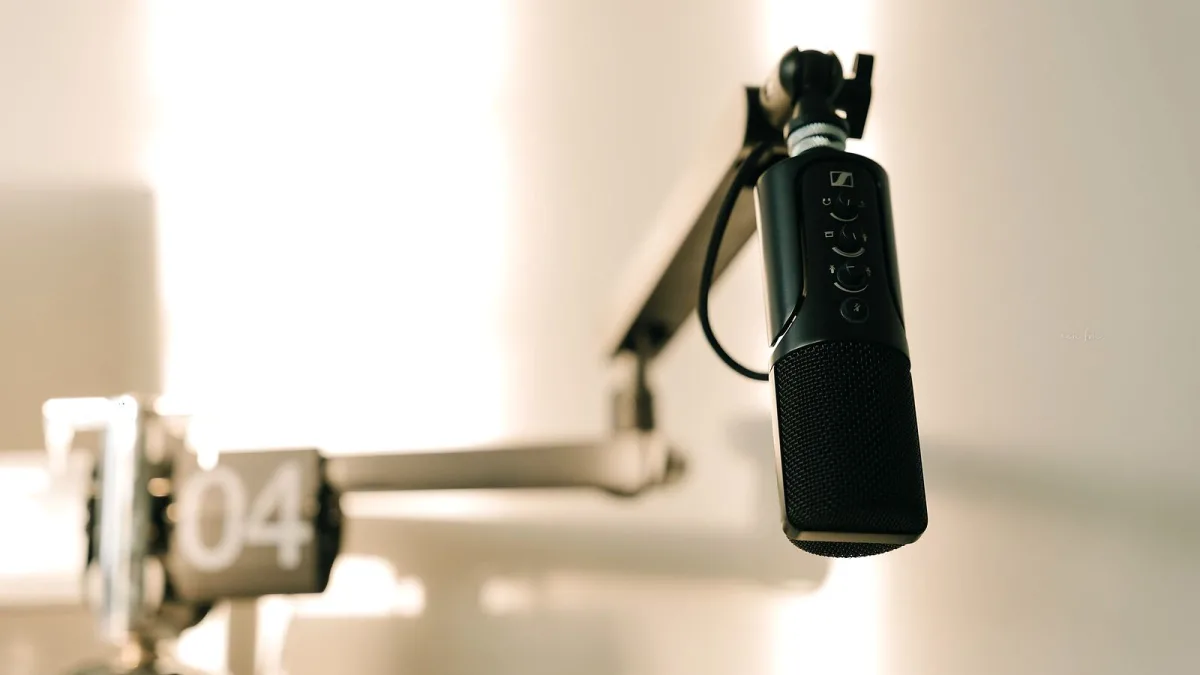
There is no single best microphone for podcasting, and any guide that names one without asking where you are recording is guessing. What there is instead is a short set of decisions that, once made honestly, narrow the field to a handful of sensible options in whatever you have to spend. This guide covers those decisions rather than specific models, because model ranges and prices change constantly while the principles do not.
Dynamic or condenser?
This is the decision that matters most, and for podcasting it usually has a clear answer.
Dynamic microphones
A dynamic microphone is comparatively insensitive. It picks up the loud source close in front of it and does a much better job of ignoring everything else: the fridge, the traffic, the reflections off the walls behind you. That insensitivity, which is a drawback in a treated studio, is exactly what you want in a spare room. Most broadcast and podcast voices you hear are recorded on dynamics, close to the microphone.
Condenser microphones
A condenser is more sensitive and typically captures more detail at the top end. In an acoustically treated room it can sound superb. In an untreated one it faithfully captures the room as well as you, which usually means a hollow, boxy quality no amount of editing removes. Condensers also need phantom power, supplied by an audio interface or mixer.
If you are recording at home without acoustic treatment, start with a dynamic.
Polar pattern
The polar pattern describes the directions a microphone listens in. For a single speaker, cardioid is what you want: it is most sensitive directly in front and rejects sound from behind. Omnidirectional picks up equally from all directions, and bidirectional, or figure of eight, picks up from front and back, which suits two people facing each other across a table. Some microphones offer switchable patterns, which is genuinely useful if your recording setup varies.
USB or XLR?
USB
A USB microphone contains its own preamp and converter and plugs straight into a computer. One cable, no extra equipment, and for a solo podcaster it is a completely legitimate choice. The limitation appears when you want to record two people properly, because running two USB microphones into one computer is awkward.
XLR
An XLR microphone needs an audio interface, which adds cost and a box on your desk but buys flexibility: multiple microphones recorded to separate tracks, better preamps, and the ability to change any part of the chain later without replacing all of it. If there is any chance of a second regular presenter, XLR is the path that will not need redoing.
Some microphones now offer both connections, which is a reasonable way to start simple and grow.
Gain, and why some microphones need more of it
Certain well-regarded broadcast dynamics have a low output and need a lot of clean gain to reach a usable level. Paired with a modest interface, the result is a quiet recording with audible hiss. If you are choosing a microphone known for needing plenty of gain, check that your interface can supply it, or budget for an inline preamp. This catches people out regularly.
The accessories that actually change the recording
- A boom arm or a solid stand. Desk stands transmit every keyboard tap and mug placement straight into the recording.
- A shock mount isolates the microphone from those vibrations.
- A pop filter or foam windshield tames the blast of air from p and b sounds, which no plugin fixes convincingly.
- Closed-back headphones so you can monitor without the sound leaking back into the microphone.
Spend on the room before the microphone
This is the advice most often ignored and most often regretted. Soft furnishings, a rug, curtains, a duvet on a stand behind you, recording in a room with furniture rather than an empty one: these cost little and improve a recording more than moving up a price bracket. A modest microphone in a quiet, damped room beats an expensive one in a bare, echoing one every time.
Remote guests
If you interview people remotely, your microphone choice only affects your half of the conversation. The most effective upgrade is usually persuading guests to wear wired earphones with a microphone rather than using their laptop's built-in one, and recording each end locally if the platform you use supports it.
A sensible starting point
For most people beginning a podcast at home: a cardioid dynamic microphone, on a boom arm with a shock mount and pop filter, connected by USB if you are alone or via a two-input interface if you are not. Get close to it, treat the room a little, and the result will stand comparison with shows using far more expensive equipment.





Comments