


Best DAW roundup
Common Best Daw Mistakes to Avoid
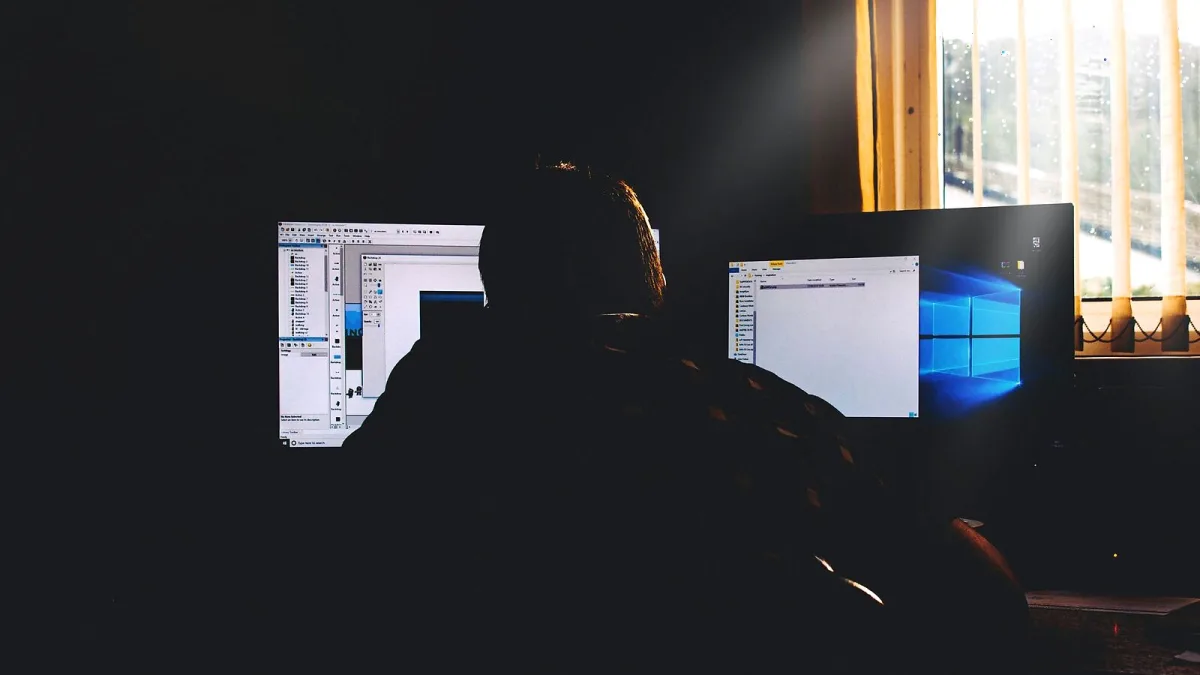
Most mistakes people make when choosing and using the best DAW come down to the same patterns: buying based on reputation rather than compatibility with their own workflow, collecting plugins instead of making music, or never moving past the tutorial stage to actual finished work. These are fixable at any point, but they are easier to avoid than to unlearn.
Choosing the Wrong Application for Your Genre
Using Pro Tools to make loop-based electronic music, or trying to record a full band in FL Studio's pattern sequencer, creates friction that compounds every time you sit down to work. The best DAW for your specific use case is the one that makes your most frequent tasks easy, not the one with the most impressive spec sheet or the highest rating on a forum. Spend an afternoon with the free trial of any application before committing to it. The feel of the workflow under your hands matters more than any external ranking.
Buying Plugins Before Understanding Your DAW
New users often spend heavily on third-party plugins before developing real fluency in the application they are using. Stock plugins in Logic, Ableton, Cubase and most other major DAWs are professional-quality tools that experienced producers use on commercial releases. Learning to use what you have thoroughly — EQ, compression, reverb, delay — produces better results faster than accumulating new tools. Most expensive plugins replace skills rather than developing them.
Never Finishing Tracks
Leaving projects incomplete is the most common productivity mistake in music production, and no DAW solves it automatically. Endless tweaking of an unfinished arrangement, abandoning projects when they get difficult, and moving to a new idea before the current one is done are patterns that compound into months of nothing finished. Set a completion policy for yourself: a rough export by a specific date, or a rule that you finish three things before starting anything new. Finishing imperfect tracks teaches more than perfecting nothing.
Treating the DAW as the Cause of Bad Results
Blaming the software for poor-sounding mixes or uninspiring music is a way of avoiding the real work. A best DAW change rarely fixes mixing problems or writing problems — those are skill problems that follow you to every application. If your mixes sound rough, learn more about EQ, compression and gain staging. If your tracks feel unfinished, learn more about arrangement and structure. Changing the tool is almost never the solution. For a clear explanation of what different DAWs actually offer, see the overview article. The beginner's guide covers the most productive starting approach, and the buyer's guide helps you match an application to your actual needs.





Comments