


DAC article
Common Dac Mistakes to Avoid
Most DAC disappointments are setup problems, not defects. This guide shows the 10 pitfalls people hit and how to avoid them before wasting money.
The most common DAC mistakes are not made in choosing which one to buy; they are made after the purchase arrives. People spend weeks agonising over specs and price, then plug the device in wrong, fail to update software, or introduce noise that makes them think they bought a lemon. These errors are easily avoided. This guide to common DAC mistakes walks through the actual pitfalls that disappoint people, and how to sidestep them before they waste your money and your patience.
The encouraging truth is that most common DAC mistakes come from not understanding what the device needs to perform well. A DAC does one job, but it needs the right environment, the right cables, and the right settings to do that job properly. Get these wrong and you will hear worse sound, not better. Get them right and you will never look back. The distinction is worth understanding, because it means that "my DAC sounds worse than my old system" is usually a setup problem, not a defective device.
Common DAC Mistake 1: Connecting via Poor Quality or Wrong Type Digital Cable
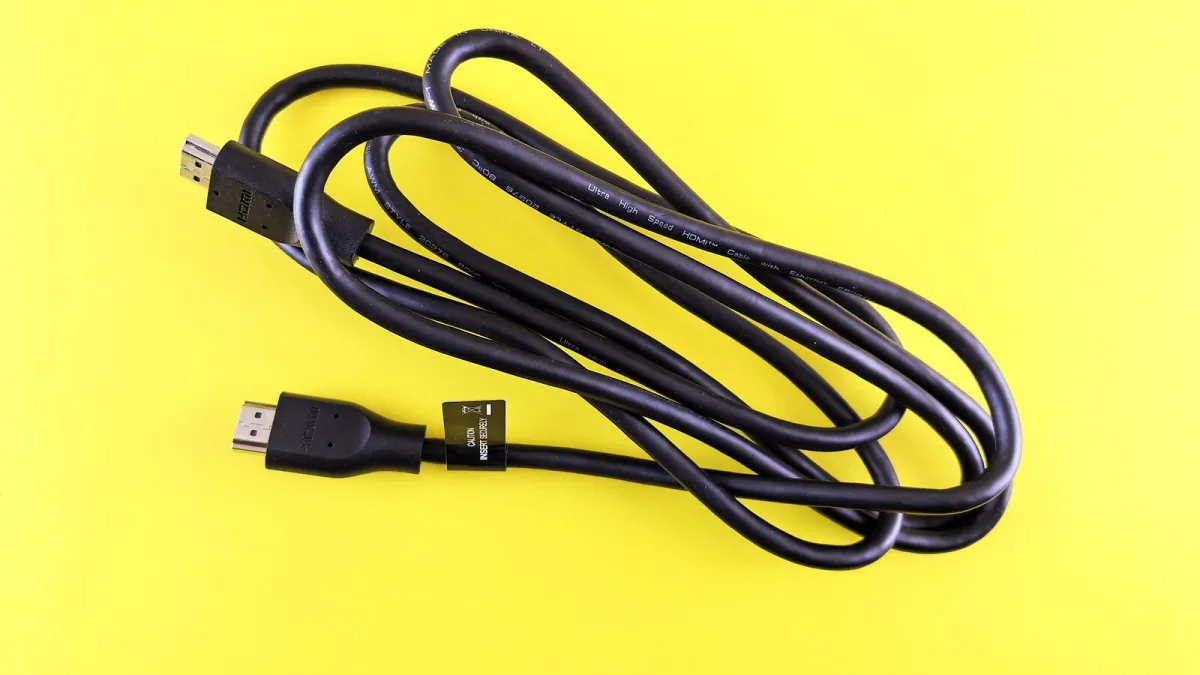
Many people assume a digital cable is a digital cable. It is not. USB cables vary wildly in quality — a cheap phone charger cable introduces jitter and noise that degrades the signal feeding your DAC. The result is audible: sibilance increases, the image becomes less focused, the sound is less composed. Equally, using an optical cable when a coaxial connection is available is a missed opportunity. Coaxial connections are better shielded and typically produce quieter results.
Fix: Invest in a quality USB cable if your music comes via computer. Brands like Audioquest, Schiit and others make competent digital cables under £20 that are vastly superior to commodity options. If you have a choice between optical and coaxial input, choose coaxial. If optical is all you have, use it confidently — the difference is small.
This pitfall is easy to avoid with care.
These common DAC mistakes continue down the list.
Common DAC Mistake 2: Plugging the Analogue Output Into Wrong Amplifier Input
Some DACs output 2 volts; others output 3.5 volts or higher. If you connect a high-output DAC to an amplifier with sensitive inputs, your volume control becomes useless. Worse, if you connect a low-output DAC to an insensitive amplifier, you will have to turn the volume knob nearly to maximum, which colours the sound and reduces dynamic range.
Fix: Check your amplifier's input sensitivity and your DAC's output level in their manuals. Aim for a match around 2 volts. If your DAC output level is adjustable, dial it in to match your amplifier. If the mismatch is severe, consider an audio preamp between them.
This pitfall is easy to avoid with care.
These common DAC mistakes continue down the list.
Common DAC Mistake 3: Not Setting the DAC as the Default Audio Output
Plug a DAC into a Windows or Mac computer and many assume the sound will route through it automatically. It often does not. By default, the computer routes audio through its internal speaker or built-in soundcard, and your expensive DAC sits silent. You listen for hours wondering why the upgrade sounds no better, then pull cables wondering if it is broken.
Fix: On Windows, right-click the volume control and select "Open Sound settings." Under "Advanced," set your DAC as the default playback device. On macOS, open System Preferences, click Sound, and select the DAC in the Output Devices list. Most music players also have audio output settings where you can specify the device.
This pitfall is easy to avoid with care.
These common DAC mistakes continue down the list.
Common DAC Mistake 4: Placing the DAC on the Floor or in an Enclosed Cabinet
A DAC is sensitive to vibration. Place it on the floor and floor-borne vibration couples into the circuit, introducing noise. Place it in a fully enclosed cabinet and heat builds up, degrading component performance. Many newcomers make this choice because it seems tidy or because they assume audio equipment should be hidden away.
Fix: Place the DAC on an open shelf, an isolation platform or a dedicated rack. Ideally position it on something that isolates it from vibration — dedicated audio platforms or isolation feet cost little and make an audible difference. Ensure it has space around it for air circulation. Never enclose it in a sealed cabinet.
Other issues exist.
Common DAC Mistake 5: Ignoring Software and Firmware Updates
Many DACs have firmware that improves performance, fixes bugs or adds features. A surprising number of users never update this software after purchase. The result is their device operating in a suboptimal state for months or years. Some improvements are minor; others are dramatic. Not updating leaves performance on the table.
Fix: Check the manufacturer's website when you first purchase your DAC. If firmware updates are available, apply them according to instructions. Most USB audio devices appear as a connected drive where you can place the firmware file. Set a reminder to check for updates annually.
Other issues exist.
Common DAC Mistake 6: Assuming Your DAC Will Fix Problems Elsewhere
A common misconception is that a £500 DAC will compensate for a cheap amplifier or poor speakers. It will not. A DAC improves clarity and noise floor at the source, but it cannot add bass response your speakers lack, or tighten the bass of a muddy amplifier. Using a premium DAC with poor downstream components wastes the potential of your best part.
Fix: Think of your system as a chain where each link matters. Spend proportionally. A £300 DAC paired with a £300 amplifier and £1,000 speakers will sound better than a £1,000 DAC with £100 amplifier and £500 speakers. Upgrade systematically.
Other issues exist.
Common DAC Mistake 7: Using Poor Analogue Cables Between DAC and Amplifier
Many people skimp on analogue interconnect cables, assuming they are unimportant. A thin, poorly shielded cable between your DAC and amplifier picks up radio interference and electromagnetic noise that muddy the sound. The improvement from upgrading to a quality shielded cable is often dramatic.
Fix: Invest in quality RCA or XLR cables — brands like Audioquest, Schiit, Nordost or others make excellent options under £30. Balanced XLR cables are preferable if your amplifier has XLR inputs because they reject interference better than unbalanced RCA. Avoid cables costing under £10.
Other issues exist.
Common DAC Mistake 8: Moving Your DAC Around Frequently or Exposing It to Dust
Each time you move your DAC, you risk dislodging internal connections or stressing solder joints. Frequent movement or exposure to dusty environments causes component corrosion that degrades performance. Some enthusiasts treat their DAC like a portable device, moving it room to room or to friends' homes. This accelerates wear.
Fix: Choose a permanent location for your DAC and leave it there. Protect it from dust with a cloth cover when not in use. Avoid moving it unless absolutely necessary. If you must transport it, use a protective case and avoid dropping or jostling it. Treat it with care.
Other issues exist.
Common DAC Mistake 9: Not Listening in Your Own System Before Deciding
Some people read reviews, buy based on reputation, then judge the sound against expectations rather than their ears. They hear differences and attribute them to the DAC being worse, when they are simply hearing music differently — with better clarity, which some recordings react poorly to.
Fix: Spend at least two weeks listening to your favourite albums through the new DAC before judging. Your ears need time to acclimate. Use your return window if you must, but give the device a fair chance first. Most people find they cannot go back to their old system.
Other issues exist.
Common DAC Mistake 10: Buying More DAC Than Your Other Equipment Can Support
A common error is upgrading your DAC while your amplifier and speakers remain mediocre. You spend £800 on a converter but your amplifier adds noise and your speakers colour the sound, so the upgrade brings disappointment. The better mistake is keeping your expectations realistic for your system tier.
Fix: Match your DAC tier to your amplifier and speaker investment. If you have spent £500 on speakers and £400 on an amplifier, a £300–500 DAC makes sense. If you spend £200 on everything else, do not buy a £1,000 DAC. Upgrading in isolation delivers disappointment. Understanding these common DAC mistakes and proportional improvement works.
Other issues exist.






Comments