


Silent Disco Headphone article
Silent Disco Headphone for Beginners: A Complete Guide
Everyone hears music, nobody outside hears a thing, and the system doesn't fall over halfway through the night. Here's the honest starting guide.
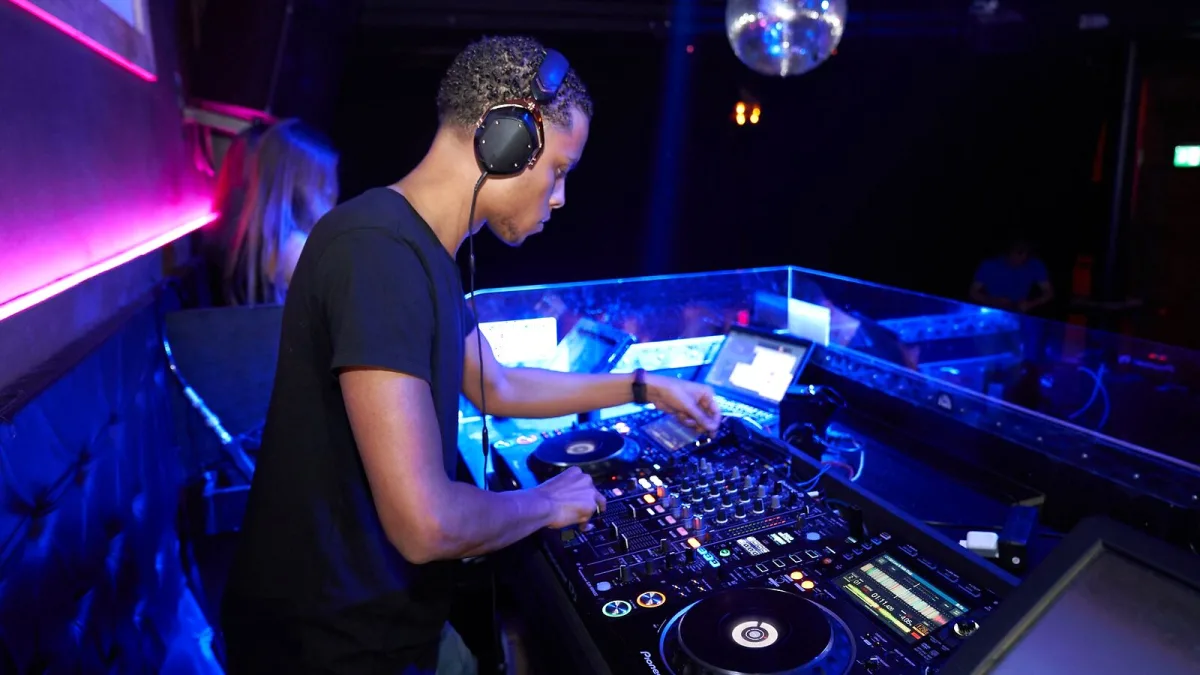
Right, first silent disco. Don't overthink it. Silent disco headphones for beginners really only need one thing to go well: everyone hears music, nobody outside hears a thing, and the whole system doesn't fall over halfway through the night. Here's the honest, no-frills version of getting started.
Start small. Genuinely small.
You do not need a three-channel festival-grade system for a first event. Two channels — maybe even one — covers a house party, a small gathering or your first real test run comfortably. Buying more capability than your event needs just means more things that can go wrong and more money spent on features you won't touch.
What you actually need in the box
- A transmitter that matches your headphones — not a generic "wireless" claim, an actual confirmed match.
- Enough headsets for your headcount, plus a couple of spares. Something always goes flat or goes missing.
- A charging setup that handles all your units at once, not one at a time.
- A source — mixer, laptop, phone — with the right output to plug into your transmitter.
Your first setup, step by step
- Confirm your headphones and transmitter are actually compatible before the event, not on the night.
- Charge every single unit fully, and label which ones are charged.
- Test every channel with your actual music source, not just a phone playing a random track.
- Walk the venue with a headset on to check the signal holds up where people will actually stand.
- Set a sensible default volume before handing headphones out — don't leave people to find the ceiling themselves.
- Explain the channel colours and controls in about ten seconds flat before anyone puts a headset on.
None of that is complicated. It just needs doing in that order, once, before people start dancing rather than while they already are.
Things that trip up first-timers specifically
Nobody warns beginners about this bit: range figures on the box are best-case, open-air numbers. Walls, a packed room and general interference will eat into that fast, so test at your actual venue rather than trusting the spec sheet. And don't assume "2.4 GHz" on a listing means it'll pair with a phone — plenty of proprietary systems use that frequency without behaving anything like ordinary Bluetooth.
You genuinely can't get this wrong on the dance floor
Once headphones are on people, the actual experience runs itself — pick a channel, set your own volume, dance. It's more intuitive for guests than for whoever's running the system, which is honestly the right way round. Your job is the five minutes of setup before the room fills up.
Keep learning
Once your first event's gone smoothly, our guide to silent disco headphones covers the fuller technical picture, and our roundup of common mistakes to avoid is worth reading before you try anything bigger.
The bottom line
Keep your first setup small, test everything before the room fills up, and don't buy features you don't need yet. Silent disco headphones for beginners are forgiving gear — the format looks after itself once the basics are sorted.





Comments