


Roland Cloud article
Roland Cloud for Beginners: A Complete Guide
Getting into Roland Cloud costs nothing to start. Here's the plain-spoken beginner's guide to the free tier, the key terms, and your first week.
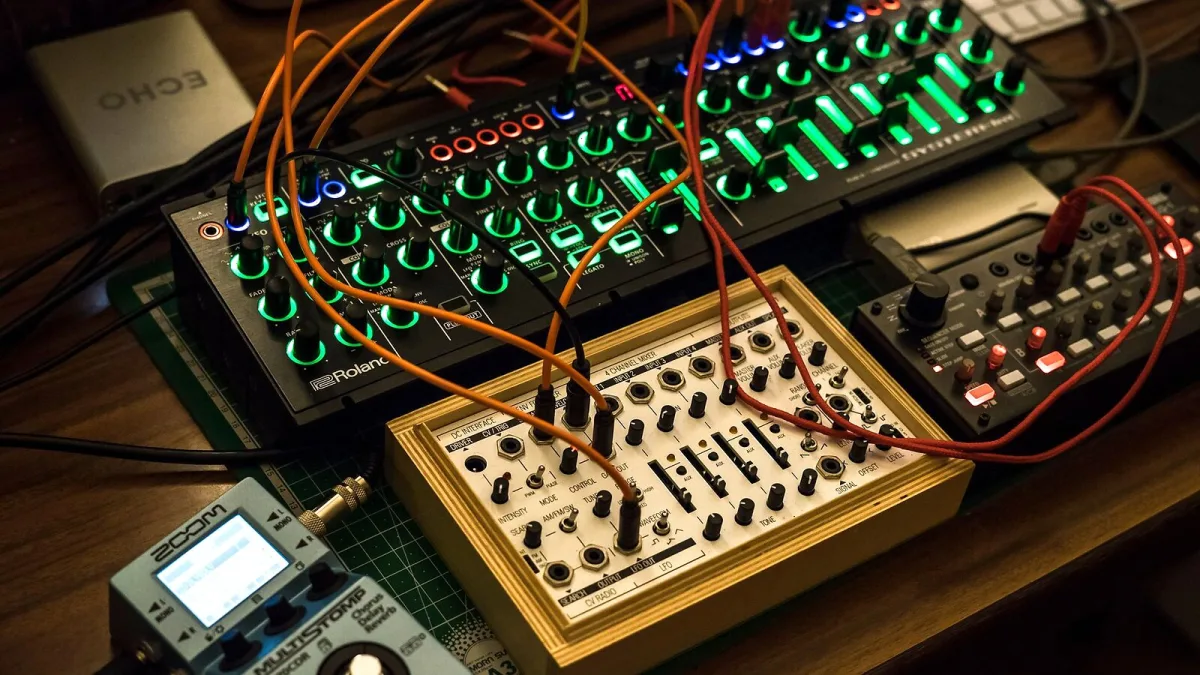
Right, so you've heard people rave about the TB-303 and TR-808 being available as software now, and you want in. Good instinct — Roland Cloud is a genuinely brilliant way into some of the most important sounds in music history, and getting started costs nothing at all. Here's the plain-spoken version for someone who's never touched it.
Start Completely Free, Seriously
You don't need to spend a penny to begin. Sign up for a free Roland Account and you'll get access to ZENOLOGY Lite, a genuinely usable software synth, and Zenbeats, Roland's own music-making app. Spend proper time here before you even think about paying for a higher tier — there's no rush, and it's the best way to find out whether this whole ecosystem suits how you like to work.
What You're Actually Looking At
A few terms come up constantly, and they're worth knowing before you dive in:
- ZENOLOGY — the core software synthesiser, built on Roland's ZEN-Core sound engine.
- Zenbeats — Roland's music-production app, a good starting point if you don't already have a DAW you love.
- Legendary Series — software recreations of classic Roland gear like the D-50, Juno-106 and Jupiter-8.
- AIRA Series — software versions of instruments from Roland's more recent AIRA hardware range.
- Roland Cloud Manager — the app that installs and authorises everything for you.
Getting Your First Instrument Running
Once you've explored the free tier and decided you want more, the process is genuinely simple:
- Install Roland Cloud Manager if you haven't already, and sign in with your Roland Account.
- Pick a membership tier, or a single Lifetime Key if there's one specific instrument you're after.
- Install it through the Manager, and let it authorise itself — you'll need an internet connection for this bit.
- Open it as a standalone app, or scan your plug-in folder in your DAW so it shows up there instead.
Don't Feel Like You Need Everything at Once
The full catalogue can feel overwhelming — dozens of instruments, effects and sound packs, decades of Roland history all sitting in one place. You don't need to explore all of it on day one. Pick one instrument that genuinely excites you, spend real time getting to know its sound and controls, and let curiosity pull you toward the next one naturally rather than trying to audition everything at once.
A Realistic First Week
Try this rather than diving straight into a paid tier:
- Days 1–2: explore ZENOLOGY Lite and get comfortable with the basic sound-shaping controls.
- Days 3–4: have a proper play with Zenbeats, even if you already use another DAW — it's built to show off what the sounds can do.
- Days 5–7: decide, based on what you've actually used, whether a paid tier or a single Lifetime Key genuinely makes sense for you.
Managing Expectations About "Authentic" Sounds
It's easy to assume a software TB-303 will sound note-for-note identical to a forty-year-old hardware original. Roland itself is honest that these are software recreations rather than perfect clones — differences in components, converters and ageing hardware all play a part. Judge each instrument on how good it sounds and how much you enjoy using it, not against an impossible standard of perfect vintage replication.
Where to Go From Here
Once the basics feel comfortable, our buyer's guide covers exactly what to check before choosing a paid tier, and our tier-by-tier value breakdown helps you pick the right one for how you actually work. Our overview guide is worth a read too, once you want the fuller picture of everything the platform includes.





Comments