


Roland Cloud roundup
Roland Cloud: A Complete Buyer's Guide
Signing up is easy. Signing up for the right tier, without paying for instruments you'll never open, takes a bit more thought. Here's the honest checklist.
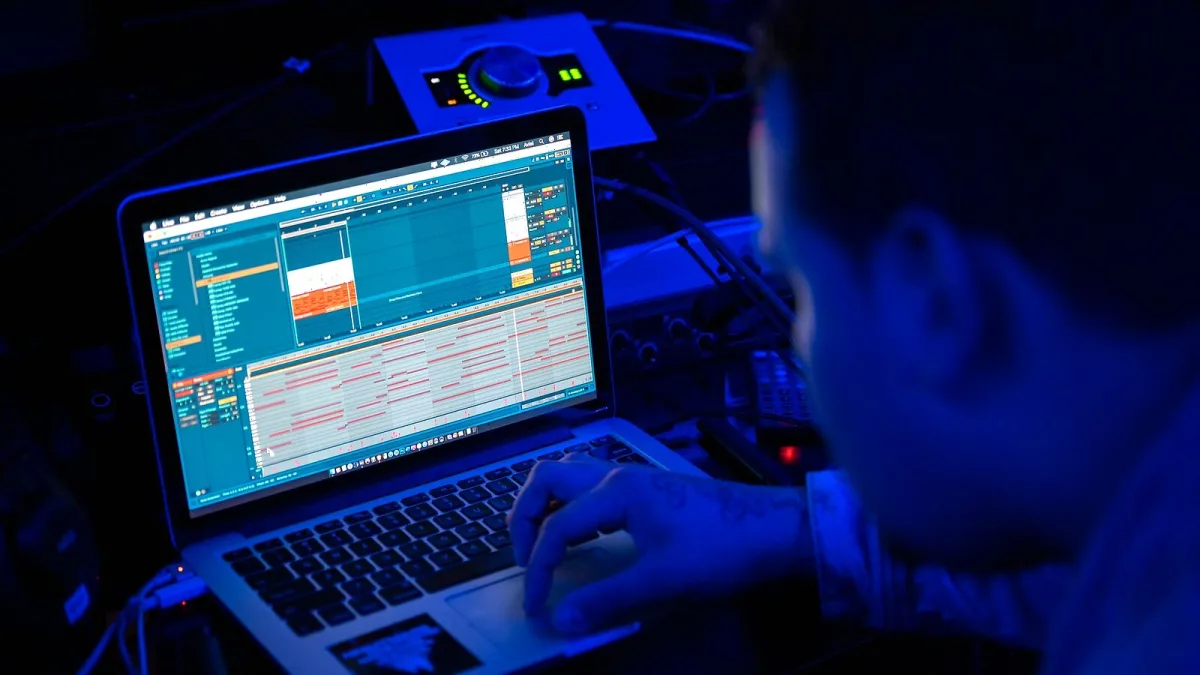
Signing up for a subscription is easy. Signing up for the right Roland Cloud tier, without paying for a load of instruments you'll never open, takes a bit more thought. Here's what actually matters before you commit any money.
Work Out What You Actually Need First
Before you look at a single tier, be honest about how you'll use it:
- Do you want one or two specific classic instruments, or broad access to explore the whole catalogue?
- Are you working mostly inside a DAW as plug-ins, or do you want a standalone production environment too?
- Do you already own hardware that uses Roland's ZEN-Core system, where software and hardware sounds can move between each other?
- Is this a long-term commitment, or are you likely to use it heavily for one project and then drift away?
That last question matters more than people expect — it's the difference between a subscription and a Lifetime Key being the sensible choice.
Membership or Lifetime Key: The Real Decision
A Roland Cloud membership gives you ongoing access to a broad, growing catalogue for as long as you keep paying. A Lifetime Key is a one-off purchase that gives you permanent ownership of a single instrument, with no ongoing cost and no risk of losing access if you cancel later. If you already know you'll be reaching for one particular classic synth or drum machine for years, a Lifetime Key can work out considerably cheaper than paying for it repeatedly through a membership. If you want to explore widely and aren't sure yet what you'll end up using, a membership tier makes more sense.
Free Account: Don't Skip This Step
Before paying for anything, create a free Roland Account and try ZENOLOGY Lite and Zenbeats. It costs nothing, and it's the single best way to find out whether Roland's workflow, sound and general feel actually suit how you work, before you spend anything on a higher tier.
What to Check About Each Roland Cloud Tier
| Check | Why it matters |
|---|---|
| Exactly which instruments are included | Catalogue access varies by tier, so confirm the specific instruments you want are actually covered |
| ZENOLOGY vs ZENOLOGY Pro access | Pro adds deeper editing and broader sound access, which matters if you do detailed sound design |
| Current price on Roland's own site | Pricing and inclusions have changed over the platform's history, so always check the live page, not an old review |
| Compatibility with your system and DAW | Operating system, plug-in format and DAW support vary by product, and can change with updates |
Don't Buy on Nostalgia Alone
It's tempting to sign up purely because a tier includes the TB-303 or the TR-808, and there's nothing wrong with that — those instruments earned their reputation. Just go in with realistic expectations about what Roland Cloud actually delivers: Roland itself describes these as software recreations of the originals, not perfect clones, and differences in converters, filters and analogue behaviour mean they won't be sonically identical to forty-year-old hardware. Judge them as excellent, official Roland instruments in their own right, not as a substitute for a specific vintage unit.
A Quick Buying Checklist
- Tried the free account and ZENOLOGY Lite before paying for anything
- Confirmed the specific instruments you want are included in the tier you're considering
- Compared a membership's ongoing cost against a Lifetime Key for anything you'll use for years
- Checked current pricing directly on Roland's site, not an older article
- Confirmed compatibility with your computer and DAW
Bringing It Together
Buy your Roland Cloud tier for how you'll actually use it, not for the excitement of the catalogue list, and you'll end up paying for something you genuinely get value from. For the wider picture on what the platform includes, our overview guide covers it in full. Want a tier-by-tier value breakdown rather than a general checklist, see our best-value guide, and if you're completely new to this, our beginner's guide is the place to start.





Comments