


Boss Drum Album article
Boss Drum Album for Beginners: A Complete Guide
A BOSS drum machine is faster to set up than most people expect — this guide covers the connection, the pattern selection, the recording workflow and what to do once the drums are down.
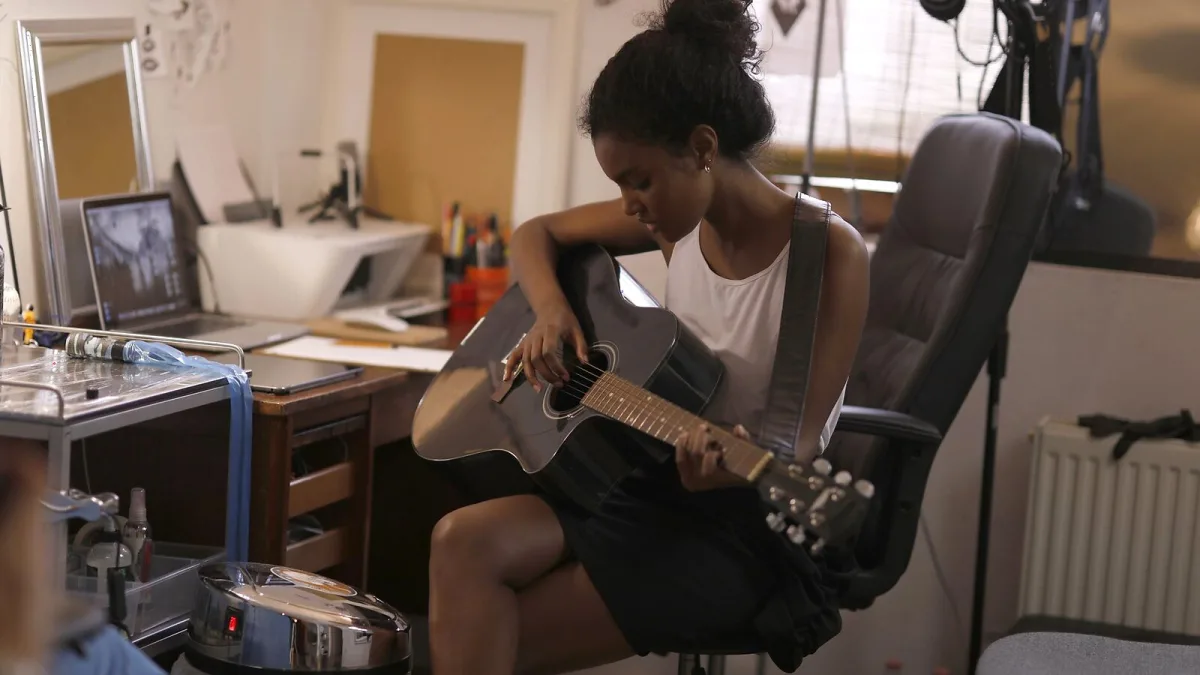
Starting with a BOSS drum machine is easier than most people expect. The interface is designed to work quickly without a manual — select a pattern, set the tempo, connect a cable and play. What takes practice is knowing which settings to reach for and how to get a usable boss drum album recording without spending an hour wrestling with routing. This guide gets you through the practical first steps.
Connecting the Machine
The DR-01S outputs via a 3.5 mm stereo jack. Connect a 3.5 mm to dual 6.35 mm Y-cable to feed the drum machine into the L and R inputs of an audio interface, or use a 3.5 mm to 6.35 mm mono adaptor to send both channels to a single input (though stereo is preferable for a fuller sound). If working without a computer, connect directly to a small mixer or to the auxiliary input on a guitar amplifier. The output level is at line level — use the line input rather than an instrument or microphone input.
The DR-880 has separate L and R outputs on 6.35 mm mono jacks, which is cleaner for recording — each channel feeds independently into the interface without level-matching complications from a Y-cable. Connect the L and R outs to two separate inputs on the interface and configure them as a stereo pair in your DAW.
Choosing a Pattern and Setting Tempo
Use the preset patterns first. On the DR-01S, patterns are organized by style (rock, pop, blues, jazz, etc.) and accessible directly from the front panel. Scroll through the rock patterns for a four-on-the-floor groove, or the funk patterns for something with more syncopation. The tap tempo button lets you tap the target BPM rather than dial it in numerically — this is the quickest way to match a tempo to a song idea. The display shows the BPM in real time.
On the DR-880, patterns are accessed similarly but with more navigation — there are 200 presets, so browsing takes longer. The DR-880 also allows editing patterns at the individual hit level once you are comfortable with the interface, which is useful for creating a custom boss drum album with grooves that fit your songs precisely.
Recording Into a DAW
Create a stereo audio track in your DAW and set its input to the channel(s) receiving the drum machine output. Arm the track for recording. Set the drum machine tempo to match your project tempo. Press record in the DAW and play on the drum machine. The DAW captures the stereo drum output as a live audio recording — the result is a continuous audio file of drum patterns at the correct tempo.
Record longer than you think you need: an extra chorus at the end is easier to trim than it is to re-record a section you missed. For a full song, record the complete arrangement through once rather than recording each section separately — this avoids small timing discrepancies between recordings.
How to Record Your First Boss Drum Album Session
- Connect the drum machine to your audio interface — use the appropriate output cable (3.5 mm stereo for the DR-01S, dual 6.35 mm mono for the DR-880) and feed into line-level inputs, not instrument or microphone inputs.
- Select a pattern that matches your song's feel — browse the preset styles and find a groove that fits the tempo and genre; the tap tempo button is the fastest way to lock in the right BPM.
- Match tempo to your DAW project settings — set the drum machine BPM to match your DAW session tempo before recording so the drum track aligns with your project grid.
- Create a stereo audio track and arm for recording — configure the track input to receive the drum machine output channels and set monitoring to confirm the signal is present before recording.
- Record the complete drum arrangement as one continuous take — record from before the first bar and run through to after the last, trimming in the DAW afterwards; re-recording small sections introduces timing inconsistencies.
- Overdub guitar, bass and other parts over the recorded drums — with the drum track in place, record additional instruments to build the full arrangement; the drum track acts as the foundation for all subsequent overdubs.
Our buyer's guide explains which machine suits different budgets and use cases. The common mistakes guide covers the errors that are easiest to make and hardest to notice until it is too late.





Comments