


Sony Ps-Lx310bt article
Sony Ps-lx310bt for Beginners: A Complete Guide
Nothing assumed: how to pair a Sony PS-LX310BT over Bluetooth, get the wired switches right, and everything you genuinely don't need to worry about yet.
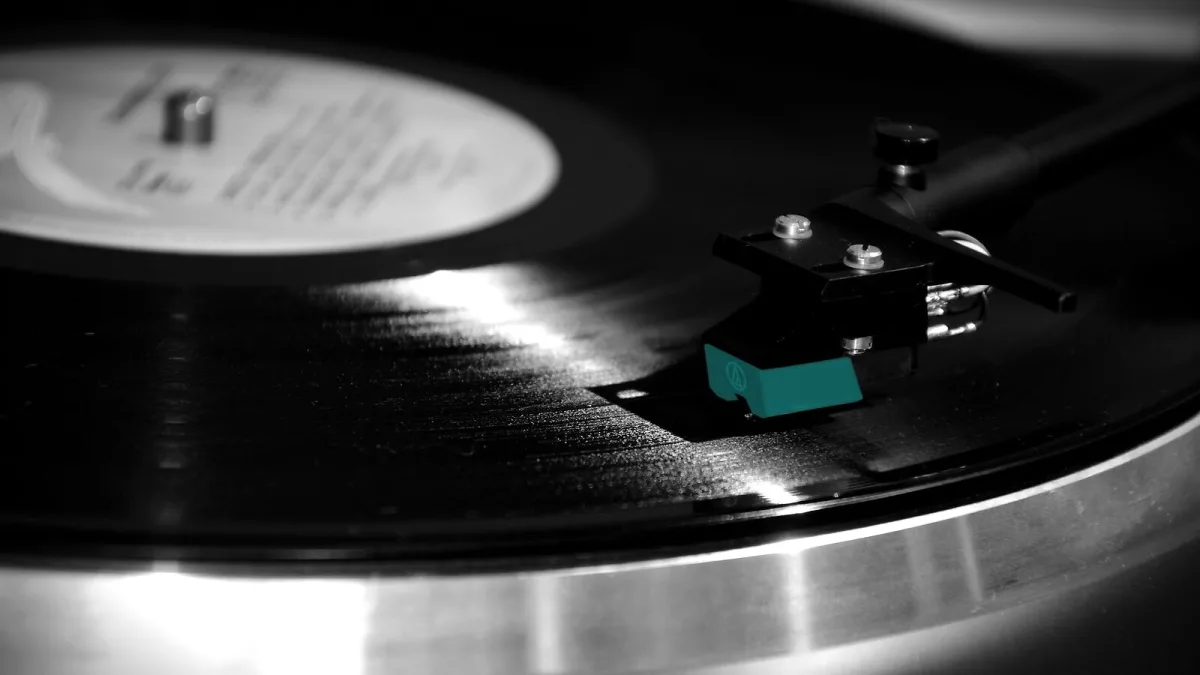
Getting your first turntable can feel weirdly intimidating for something that's meant to be a nice, relaxing hobby. If a Sony PS-LX310BT is that first turntable, good news: it was specifically designed to remove most of the fiddly bits that put people off. Here's everything explained in plain terms, with nothing assumed.
What Makes This a Good First Turntable
Three things, really. It's fully automatic, so you don't need to learn how to manually cue a needle onto a record — press start and it does that itself, then lifts off again at the end. It has a phono preamp built in, so you don't need to understand what that even means before buying one separately. And it connects wirelessly, so if you already own Bluetooth headphones or a speaker, you might not need to buy anything else at all to get started.
Connecting It Over Bluetooth, Step by Step
This is genuinely the easiest part, and it only takes a minute the first time:
- Plug in the power adaptor and slide off the stylus guard (the little cover protecting the needle).
- Turn on whatever you're connecting to — headphones, a powered speaker, a soundbar — and put it into pairing mode, exactly as you would for a phone.
- Press the pairing button on the turntable itself.
- If needed, select the turntable's name on your headphones or speaker's own settings.
- Press the automatic start control and let a record play.
It remembers up to eight devices once paired, so you won't need to repeat this every time — pick your speaker or headphones up again later and it should reconnect on its own.
Wired Instead? Here's the One Switch That Matters
If you're plugging into an amplifier or speakers with a cable rather than Bluetooth, there's a small switch on the back marked PHONO and LINE. Choose LINE if your amp or speaker doesn't already have a "phono" input of its own. Choose PHONO only if it does. Getting this wrong is the single most common beginner mix-up, and it results in either a horribly loud, distorted sound or one so quiet you can barely hear it — so it's worth checking before you assume anything's broken.
Understanding the Gain Switch (Without the Jargon)
You'll also see a gain switch with Low, Mid and High settings. Think of it as a volume-matching dial for the signal itself, separate from the volume knob on your speaker or amp. Start on Mid — that's the sensible default — and only move to Low or High afterwards if things sound too loud and distorted, or too quiet, once everything else is connected properly.
Your First Records
- Check the speed — most albums play at 33⅓ rpm, most singles at 45 rpm, and there's a small adaptor included for singles with the bigger centre hole.
- Keep the dust cover down when you're not actively putting a record on; it's a simple habit that keeps clicks and pops to a minimum.
- Handle records by the edges, not the playing surface — fingerprints attract dust and can affect the sound over time.
Things You Genuinely Don't Need to Worry About Yet
You don't need to learn about cartridge upgrades — this turntable's headshell isn't designed for swapping, so there's nothing to decide there. You don't need a separate phono preamp, because it already has one. And despite the USB port on the back, you don't need to figure out vinyl-ripping software, because that's not what it's for. Ignoring all three of those genuinely simplifies your first few weeks.
A Few Terms, Explained Simply
Belt drive means the motor turns the platter via a small rubber belt rather than sitting directly beneath it — quieter, and exactly what's inside your Sony PS-LX310BT. Cartridge is the small unit at the end of the tonearm holding the stylus (the needle) that actually reads the grooves in the record. Phono preamp is the circuit that boosts and shapes a turntable's naturally weak signal into something your speakers or amp can use properly — normally a separate box, but built in here. None of these need memorising; they'll just make sense of anything else you read about turntables later.
Bottom Line
A Sony PS-LX310BT genuinely is a sensible first turntable, built to get you playing records within minutes rather than making you learn hi-fi theory first. Once you're comfortable, our explained guide covers the fuller picture, our buyer's guide is useful if you're considering a second one, and our common mistakes to avoid is worth a read before your first proper session.





Comments