


Numark DJ Controller roundup
Numark Dj Controller: A Complete Buyer's Guide
Seventeen options and no obvious winner — this buyer's guide cuts through the Numark range and shows you exactly what to look for.
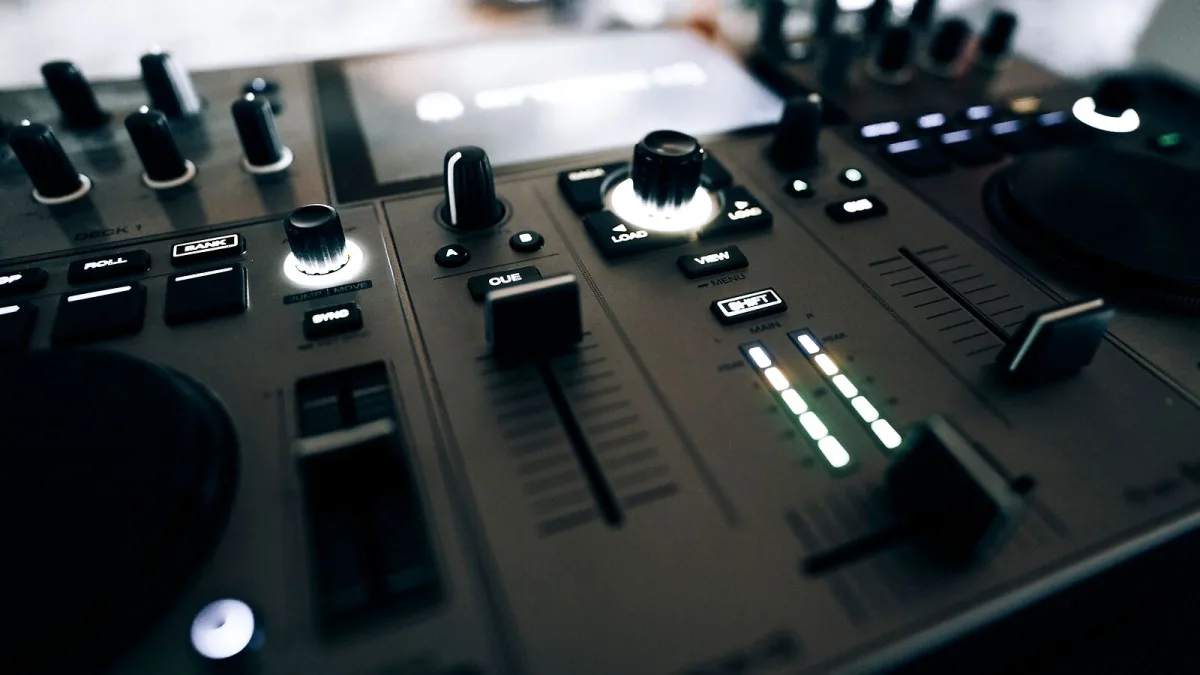
Buying a Numark DJ controller looks simple until you open a retailer's page and see seventeen options staring back at you. This guide cuts through the noise — the specs that actually matter, the gotchas that catch people out, and a clear framework for picking the right one for your setup.
Define Your Use Case First
Before anything else, be honest about what you actually need this for. A controller optimized for bedroom practice looks very different from one built for mobile gigs or four-deck club sets. Ask yourself: Are you learning at home or playing out? Two decks or four? Do you need something portable? Will you be connecting to a house PA or setting up your own speakers?
The answers narrow the field dramatically.
Two-Deck vs Four-Deck Controllers
Most DJs learn on a two-deck setup — one track playing, one cueing up — and this is still the standard live format. A four-deck controller gives you extra layers for more complex mixing, live remixing and juggling stems or samples, but the layout is more crowded and the learning curve steeper.
Don't buy a four-deck unit just because it sounds more advanced. If you're still developing your mixing fundamentals, a cleaner two-deck layout will serve you better. The Mixtrack Platinum FX and NS4FX are excellent four-deck controllers, but they reward DJs who have already built up some technique.
Jog Wheels: Size, Type and Feel
The jog wheels are the most tactile part of any controller, and they vary considerably across the range. Here's what to look for:
- Capacitive touch: Detects contact on the top surface, which is essential for real scratch control. Without it, the wheel can't distinguish between you gripping the top and spinning the edge.
- Size: Larger jog wheels give you more surface area for subtle nudges and scratching. The Mixtrack Platinum FX uses 6-inch wheels; the Party Mix II has smaller but still touch-sensitive platters.
- Integrated displays: The Mixtrack Platinum FX builds a small screen into the jog wheel hub, showing track info. Useful for performance, but not essential for learning.
If scratching is part of your practice plan, check the specific model's crossfader curve options and pad responsiveness too — jog wheels alone don't make a scratch controller.
Audio Outputs: Match Them to Your Setup
This is the spec most beginners overlook, and it matters. Entry-level controllers like the Party Mix II have a 3.5 mm main output — fine for home speakers or practice, but limiting if you're connecting to a venue PA or longer cable runs. Mid-range options move to RCA outputs, which are standard for most DJ equipment. For professional use, balanced XLR outputs — like those on the NV — reject interference and suit longer cable distances.
Always check the outputs match what you're connecting to. Adaptors work, but they're a weak link in a live setup.
Software Compatibility: Check Before You Buy
Every Numark DJ controller ships with Serato DJ Lite or qualifies for a software bundle. The current Party Mix II and Party Mix Live also work with Algoriddim djay Pro AI and DJ Player Pro. But software compatibility with specific operating systems and mobile platforms can change with updates — always verify the current compatibility matrix on Numark's website for your target OS or device before committing.
If you're already invested in a particular DJ software ecosystem, confirm the controller is officially supported rather than just MIDI-compatible.
Built-In Audio Interface: Usually Yes, Sometimes No
Most controllers in the Numark range include an integrated audio interface — meaning the controller handles the sound routing as well as the MIDI control, all through one USB cable. Some very compact or budget models may require an external sound card for proper cueing. If headphone cueing is important to you (and it should be), confirm the model you're considering provides a dedicated headphone output with independent cue level control.
Portability Considerations
Mobile DJs and those who gig regularly need to think about size and weight. The DJ2GO2 Touch is genuinely pocket-sized. The Mixtrack Go is designed for portability. Larger controllers like the NS4FX are desktop units — serious performance gear that doesn't belong in a rucksack. Measure your available desk or carry space and check the controller's physical dimensions and weight before ordering.
The Party Mix Series: Convenience vs Performance
The Party Mix II and Party Mix Live are worth specific attention because they're regularly purchased by people who then realize they want more. The synchronized LED lighting is fun, and the Party Mix Live's built-in speakers are genuinely useful for a self-contained casual setup. But the Party Mix series has a two-band EQ (rather than three) and is optimized for simplicity over performance control. If you expect to be mixing seriously within six months, consider starting with the Mixtrack Pro FX instead.
What to Buy and When
- First-time DJ, casual or home use: Party Mix II or Mixtrack Pro FX
- Mobile or gigging DJ, portability essential: DJ2GO2 Touch or Mixtrack Go
- Serious home practice, two-deck performance: Mixtrack Pro FX or Mixtrack Platinum FX
- Four-deck mixing, advanced workflow: Mixtrack Platinum FX or NS4FX
- Professional club-style setup, balanced outputs: NS4FX or NV
The Verdict
The right Numark DJ controller is the one that matches your actual playing context, not the most spec-heavy model in the range. Check your output requirements, confirm software compatibility, think honestly about whether you need four decks yet, and pick a jog wheel size that fits your playing style. The range is broader than it first appears — once you know what you're looking for, the choice becomes much cleaner.
For a deeper technical breakdown of how controllers work, see our full Numark DJ controller explainer. If you're just starting out, our beginner's guide is a better starting point.





Comments