


Fabfilter article
Fabfilter for Beginners: A Complete Guide
FabFilter can look technical from the outside, but it's built to be learned by ear, gently, one plug-in at a time.
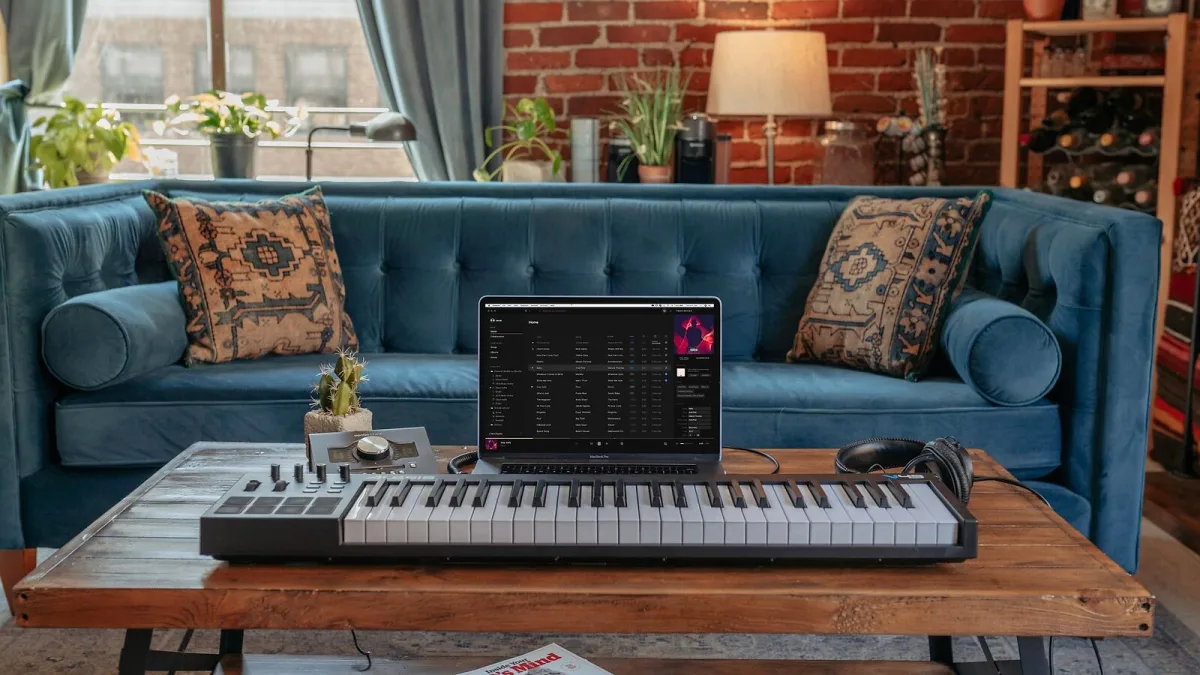
If you've started reading about mixing plug-ins, you've probably come across the name FabFilter more than once. It can feel like a lot to take in when you're just starting out — lots of unfamiliar words like "spectral EQ" and "true-peak limiting." Let's slow down and go through it gently, one step at a time.
What Is FabFilter, in Plain Terms?
FabFilter is a company that makes software tools, called plug-ins, which you use inside your music-making programme (your DAW) to shape and improve the sound of your recordings. Think of them as a set of very precise tools for adjusting volume, tone and character — rather than instruments that make new sounds from scratch (though FabFilter does make a couple of those too).
What makes it a friendly place to start is the way each plug-in shows you, visually, what it's doing to your sound. You don't have to imagine it in your head — you can watch the change happen on screen while you listen.
Do You Actually Need It Yet?
Not necessarily straight away. Your DAW almost certainly came with some basic tools already built in, and it's worth learning the fundamentals of tone and dynamics on those first. But once you feel you're bumping up against the limits of your free tools, FabFilter is a genuinely welcoming next step, because its interfaces are built to teach you what's happening as you use them.
Your First Plug-in: Where to Start
Almost everyone starts in the same place: Pro-Q 4, an EQ. An EQ lets you make certain frequencies (think of these as different "colours" of sound, from low rumbly bass to bright high sparkle) louder or quieter. It's the single most useful tool for making an instrument or vocal sound clearer and more pleasant, so it's a sensible first purchase.
If you want the fuller list of what else is available once you're ready, our guide to the whole FabFilter range explains each plug-in in turn.
A Few Terms Explained Simply
- EQ — adjusting how loud different frequencies (tones) are.
- Compression — gently evening out a sound that jumps between very loud and very quiet.
- Limiting — a stricter form of levelling, usually used right at the very end, before a track is finished.
- Saturation — adding a warm, slightly gritty character, a bit like the pleasant "edge" you hear on some older recordings.
- Reverb — simulating the natural echo of a room or space.
You really don't need to memorise all of this today. It will make far more sense once you're hearing each effect for yourself.
Getting Comfortable With the Interface
Every FabFilter plug-in shares a similar way of working, which is genuinely good news: once you've learned one, the next one won't feel like starting from zero. Take your time exploring — there's full undo/redo, so nothing you try can go wrong permanently, and an A/B button that lets you flick between your changed sound and the original to check you're actually improving things, not just changing them.
Your First Few Sessions
Be patient with yourself here, the same as with any new skill. A few gentle habits that help:
- Make small changes and listen carefully, rather than big dramatic moves.
- Use the A/B comparison often, so your ear stays anchored to what "better" actually sounds like.
- Don't feel you need to use every plug-in on every track. Sometimes the right amount of processing is very little.
- Come back to a mix the next day with fresh ears before deciding it's finished.
Common Beginner Questions, Answered Gently
"Is FabFilter too advanced for me?" Not at all — the visual interfaces are specifically designed to make advanced processing understandable, not intimidating.
"Do I need to buy several plug-ins straight away?" No. One good EQ will take you a very long way while you're learning. Our complete buyer's guide can help once you're ready to add more.
"What if I make a mistake?" You genuinely can't break anything by experimenting — undo is always there, and every plug-in has a trial period so you can learn before you spend anything.
Trusting Your Ears Over the Numbers
It's easy, especially early on, to feel like you need to understand every number on screen before you're "allowed" to use a plug-in properly. You don't. The visual displays in FabFilter's plug-ins are there to support your ears, not replace them. If something sounds better to you, it very likely is better, even if you couldn't explain exactly why in technical terms yet. That understanding will come naturally, the more you listen.
Give yourself permission to make small, imperfect mixes while you learn. Nobody's first attempts at EQ or compression are their best work, and that's completely normal — it's simply part of training your ear.
The Bottom Line
FabFilter can look technical from the outside, but it's built to be learned by ear, gently, one plug-in at a time. Start with an EQ, be patient with yourself, and let your ears do the real learning. Once you've settled in, our piece on common FabFilter mistakes to avoid is a kind next step.





Comments