


Fabfilter Filter article
Common Fabfilter Filter Mistakes to Avoid
The pitfalls almost everyone hits with a FabFilter filter plug-in, from overcooked resonance to confusing it with a proper EQ, and the quick fixes for each.
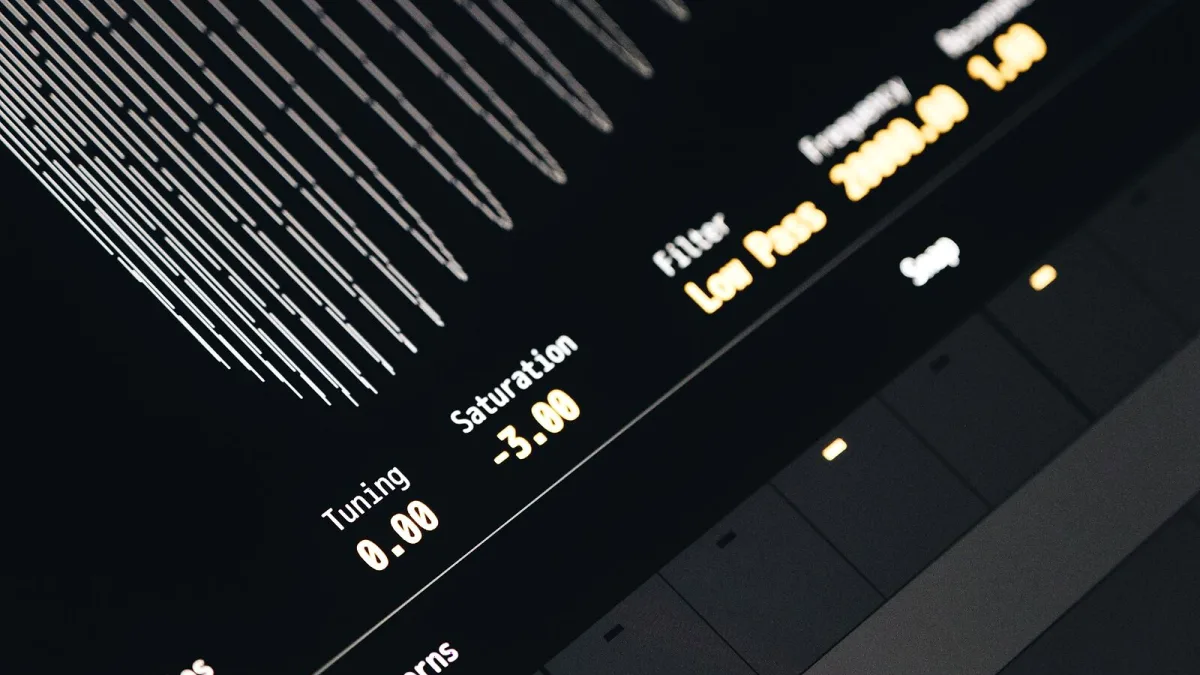
I've made most of these mistakes myself, so no judgement here — a FabFilter filter is deep enough that it's easy to get carried away before you've really learned what each control is doing. Here are the pitfalls that catch people most often, and the quick fixes for each one.
Mistake 1: Cranking Resonance Way Too High
Resonance adds a boost right at the cutoff point, and a little goes a genuinely long way. Push it too far and you get a thin, whistling, almost alarming tone that sits badly in a mix. It's a brilliant tool for sound design used deliberately, but a lazy way to accidentally ruin a perfectly good bassline. Start low, and only push it up while actively listening for the point where it stops being useful.
Mistake 2: Confusing a Filter With an EQ
Volcano 3 and Simplon are creative filter effects, not surgical mixing tools. Reaching for a FabFilter filter plug-in to fix a boxy vocal or notch a resonant frequency in a finished mix is the wrong tool for the job — that's what Pro-Q 4 is built for. Use the filter for movement and character, and a proper EQ for precise correction.
Mistake 3: Forgetting About Your Sub-Bass
A resonant peak parked right near your bassline's fundamental can throw the whole low end out of balance, sometimes without it being obvious in headphones. Keep an eye — or rather an ear — on your sub-bass specifically when using heavy resonance nearby, and check the mix on more than one set of speakers before committing.
Mistake 4: Ignoring Output Level Changes
Sweeping a filter, especially with drive or saturation engaged, often changes the perceived loudness of a sound as it moves. If you're comparing "before" and "after" at different volumes, you're not comparing tone — you're partly just hearing loudness, which tricks the ear into thinking heavier processing sounds better than it actually is. Match levels before judging a setting.
Mistake 5: Overusing Modulation From the Start
Envelope followers, XLFOs and step patterns are genuinely brilliant tools, but stacking several types of modulation on your very first attempt makes it almost impossible to hear what any single one is actually doing. Learn how one modulation source behaves on its own before layering in a second or third.
Mistake 6: Pushing Drive Into Harsh Aliasing
The saturation stage adds welcome character in moderation, but pushed too hard it can introduce harsh, unpleasant aliasing artefacts rather than pleasant warmth. If a sound turns crackly or brittle at extreme drive settings, check whether an oversampling or higher-quality mode is available, and ease the drive back regardless.
Mistake 7: Assuming Every Version Sounds the Same
Volcano 3 was a substantial redesign compared with earlier Volcano versions, not just a cosmetic refresh — it added extra EQ-style shapes and a gentler slope option alongside the modulation-based workflow people already knew. If you're following an old tutorial or forum post, double-check it's actually describing the current plug-in before assuming your screen should match.
Mistake 8: Buying the Wrong One for How You Actually Work
Simplon and Volcano 3 aren't a "basic" and "advanced" version of the same plug-in in the way people often assume — they're built for different paces of work entirely. Buying the deeper option and never using half of it, or buying the simpler one and immediately outgrowing it, both come down to skipping this check first. Our FabFilter filter buyer's guide covers this properly before you spend anything.
A Quick Reference
| Mistake | Quick Fix |
|---|---|
| Resonance too high | Start low, add gradually while listening |
| Filter used as an EQ | Reach for Pro-Q 4 for surgical correction instead |
| Sub-bass gone wobbly | Check the low end specifically, on multiple speakers |
| Comparing at different volumes | Level-match before judging a change |
| Stacked modulation from day one | Learn one source at a time |
| Harsh drive artefacts | Use oversampling if available, ease drive back |
Building Better Habits
None of these mistakes are embarrassing — they're just part of learning a genuinely deep plug-in. If you're still getting comfortable with the fundamentals, our beginner's guide to FabFilter filter plug-ins is worth reading alongside this one, and our full explainer fills in the detail on how everything actually works under the hood.
The Bottom Line
Most FabFilter filter mistakes come down to the same root cause: pushing a control further than you're actually listening to. Slow down, isolate one change at a time, and level-match your comparisons, and you'll avoid the vast majority of the pitfalls above without even trying particularly hard.




Comments