
Drum Samples article
Drum Samples Explained: Features, Types and Tips
Drum samples are the backbone of modern music production. This guide explains what they are, how they're recorded, the difference between one-shots and loops, and how they integrate with DAWs and samplers.
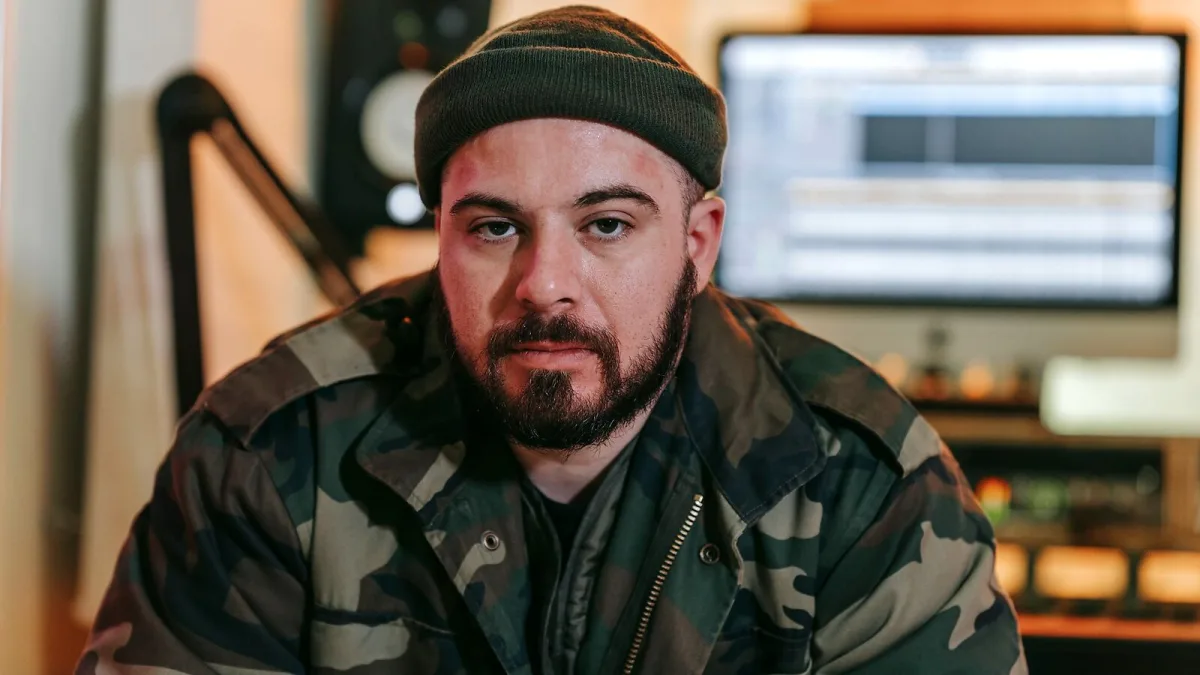
Drum samples are individual audio recordings — or collections of recordings — of drum instruments used in music production. Rather than recording a live kit for every project, producers trigger pre-recorded hits (kicks, snares, hi-hats, cymbals, toms) through a sampler or DAW, programming patterns that sound like a real performance without requiring a recording space or live drummer. They are among the most widely used tools in modern music production across hip-hop, pop, electronic, rock and virtually every other recorded genre.
One-Shots and Loops
Sampled content falls into two broad categories. One-shot samples are individual hits: a single kick drum recorded at full velocity, a snare crack, a closed hi-hat tick. Each is a discrete audio file played once when triggered. Loops are pre-recorded complete drum patterns — a four-bar groove, a fill, a two-bar break — designed to repeat and provide a rhythmic foundation. Most professional productions use one-shots programmed into patterns rather than loops, as this gives the producer full control over the arrangement and groove. Loops are common in rougher drafts, beatmaking and genres where a specific recorded feel is part of the aesthetic.
Recording Methods and Quality Standards
Quality recordings for sample libraries are made in professional studio environments — in many cases the same rooms used to record major commercial recordings — with high-end microphones and converters capturing each drum hit individually. Multiple microphone positions (close, room, overhead) are recorded simultaneously so the user can blend the signals. Each hit is recorded at several velocities (hard, medium, soft strikes) and often with multiple variations at the same velocity (round-robin sampling) to avoid the "machine gun effect" that occurs when a single sample repeats identically on every beat.
Formats and Technical Specifications
Standard sample packs are delivered as WAV or AIFF files, typically at 24-bit resolution and 44.1kHz or 48kHz sample rate. Some premium packs deliver at 96kHz or higher. The 24-bit depth provides sufficient dynamic range for professional use. WAV files are broadly compatible with all DAWs and samplers; AIFF is the Mac-native equivalent and similarly universal. Sample packs generally contain metadata (BPM, key, instrument type) embedded in the filename or as sidecar files to aid sorting within sample management software.
Samplers and DAW Integration
These audio files are used through a sampler — either a dedicated plugin (Native Instruments Battery, Kontakt, Slate Digital Trigger, Steven Slate Drums, Toontrack Superior Drummer 3) or the built-in sampler in DAW environments (Logic Pro's Drum Machine Designer, Ableton Live's Drum Rack, FL Studio's FPC). The sampler loads the audio files and assigns them to MIDI note triggers. When a MIDI note is played (from a drum pad, keyboard or programmed sequence), the sampler plays the corresponding audio file at the appropriate pitch, volume and pan position.
Why Producers Work with Sampled Sounds
The practical advantages are significant: no recording space required, consistent sound across every project, instant availability of different kit sounds without re-miking, and access to recordings made in rooms and with equipment that most producers cannot access directly. In genres like hip-hop and pop where a specific snare crack or kick thump is central to the sonic identity of a track, drum samples allow the producer to use exactly the sound needed rather than whatever a live recording provides.
Bottom Line
Drum samples are a production essential across virtually every recorded genre. Understanding the difference between one-shots and loops, how multi-velocity sampling works, and how samples integrate with DAWs is the foundation for using them effectively. For a buyer's guide to specific packs and sources, the buyer's guide covers the market in detail.





Comments