

Ace Studio roundup
Ace Studio: A Complete Buyer's Guide
Understanding the pricing model and voice library before you subscribe makes the difference between a useful investment and an underused one.
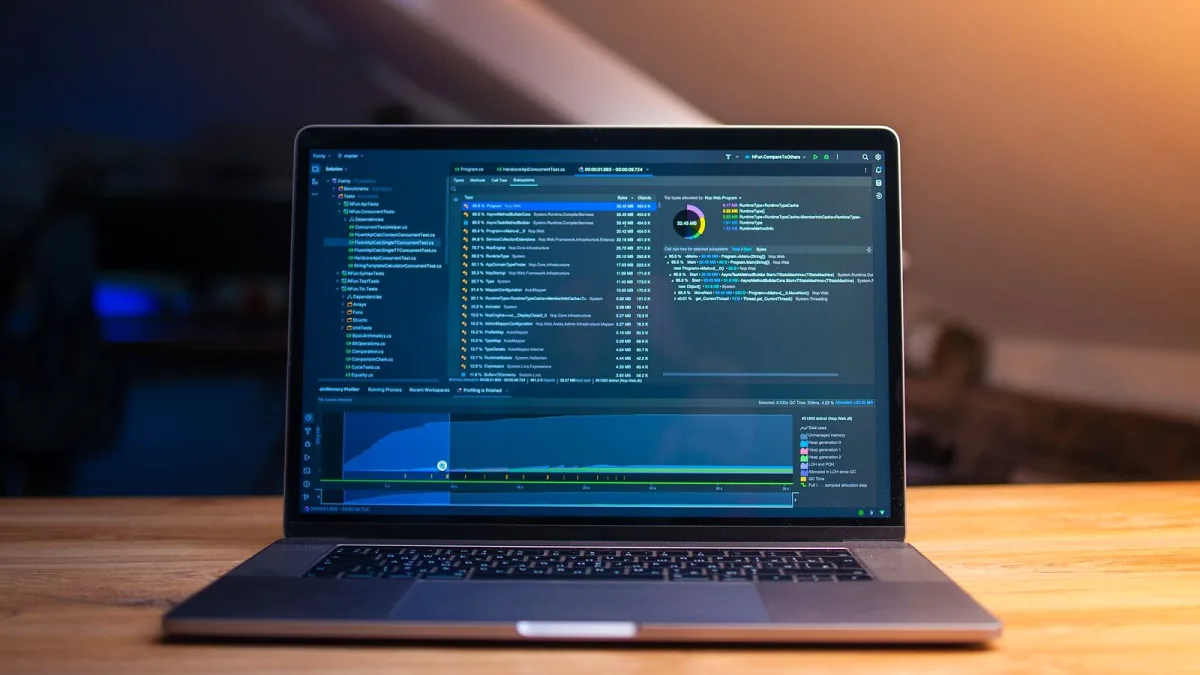
Buying into an AI vocal synthesis tool like Ace Studio involves understanding what the pricing tiers actually include and whether the voice library meets your production needs. This guide runs through the key decisions.
How the Pricing Model Works
The software operates on a tiered model that combines a base application with a voice model library. Some voice characters are included in the core purchase or free tier; others require separate payment. This is common in AI vocal tools — the base licence covers the software engine, and the voices are sold as individual assets or through a subscription.
The specific pricing has changed since launch and will likely continue to evolve. Always check the official site for current figures. What matters structurally is understanding whether you're paying per-voice, per-month or per-year, and how updates and new releases are handled within your tier.
Free vs Paid Tiers
A free entry level has historically been offered, with limits on export quality, voice model access or rendering volume. Paid tiers remove these restrictions and provide access to a broader library. If you are evaluating the software, the free tier is a reasonable way to assess whether the workflow and voice quality suit your productions before committing to a subscription.
What to Look for in a Voice Model
Voice models are the core asset. When evaluating them, consider:
- Timbre and register — does the voice character match the genre and song you're working on?
- Expression range — how well does it handle phrasing, vibrato and dynamic variation?
- Language support — not all voice models handle every language equally; check before buying
- Update policy — will the model receive improvements, and are updates included?
Most voices come with demo audio on the official site. Listen to them with your specific genre in mind rather than evaluating the demos on their own terms — what sounds expressive in one context may feel wrong in another.
System Requirements
The software runs on Windows and macOS. Minimum specifications are listed on the official site. Vocal synthesis is CPU-intensive; the minimum specs will run the application, but a modern mid-range machine will give noticeably better performance on rendering times. Check whether your current machine meets at least the recommended spec before purchasing.
Getting Value From the Purchase
The best value from Ace Studio comes from producers who have a clear use case — a genre where AI vocals work aesthetically and a workflow that integrates vocal sketching or AI-generated parts. If you are not sure whether the tool fits your workflow, take the free tier seriously before upgrading. The expression controls and voice quality vary between tiers in ways that may matter depending on how you intend to use it.
Where to Buy
Purchase and subscription are handled through the official Ace Studio website. Be cautious of third-party resellers, particularly for discounted licence keys, as the voice model library is tied to account access rather than a transferable licence file.
For an overview of what the software does, see our full guide. If you're new to it, the beginner's guide covers the first-use setup.




Comments