


Spotify for Artists article
Spotify for Artists: What You Need to Know
Spotify for Artists gives musicians and their teams access to streaming data, editorial playlist submissions, and profile controls. Here is how the platform works and what it actually provides.
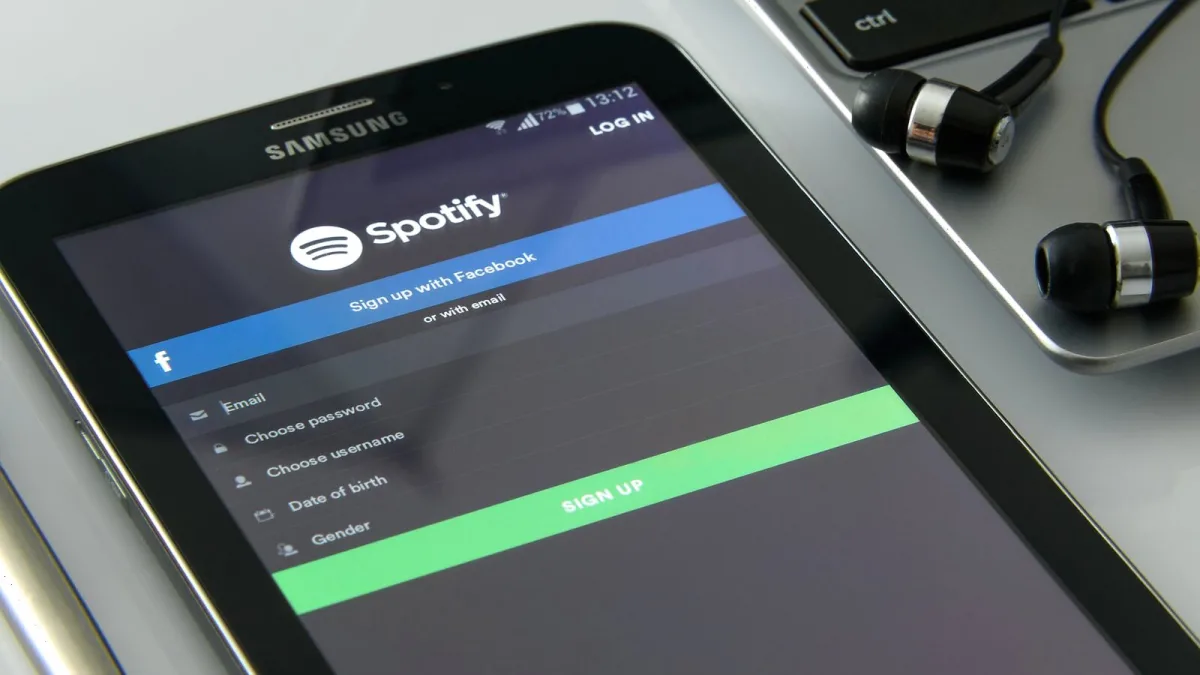
Spotify for Artists is the platform Spotify provides to musicians, labels, and their management teams for accessing streaming data, managing artist profiles, and submitting tracks for playlist consideration. It is available to any artist with music on Spotify, either directly through invitation when music is distributed, or by claiming an existing profile through the Spotify for Artists website.
Accessing the Platform
An account is created by claiming the artist profile associated with your distributed music. Go to artists.spotify.com and follow the verification steps, which typically involve confirming identity through your distributor or label. Once access is granted, the dashboard is available via web browser and through the dedicated mobile app. Managers and team members can be added with different permission levels — manager, admin, or read-only — without sharing login credentials.
Streaming Analytics
The analytics section shows listener counts, stream totals, and geographic data by track, album, and overall profile. Data is broken down by source: algorithmic playlists, editorial playlists, listener libraries, and direct artist profile visits. Demographic information — age ranges, gender, and city-level location data — helps artists and management understand who is listening and where. The real-time dashboard shows activity from the current and previous 24 hours with a short delay.
Playlist Submission
Unreleased tracks can be submitted for editorial playlist consideration up to seven days before release. The submission form asks for track genre, mood, style tags, and a description of the song. Editorial teams use this data to match tracks to playlists. Only one unreleased track can be submitted at a time per artist account. Tracks must be distributed and scheduled before a submission is valid. Getting onto an editorial playlist through this route is competitive — Spotify receives millions of submissions — but algorithmic playlists like Discover Weekly and Release Radar respond to early listener engagement regardless of editorial placement.
Profile Management
The profile section controls how the artist appears on Spotify: biography text, header images, and the artist pick (a track, album, or playlist pinned to the top of the profile). Artist pick is updated directly from the dashboard and changes go live within minutes. Images are uploaded in specific dimensions; the platform provides guidance on correct file size and aspect ratio. Concert tour dates can be added through connected ticketing partners.
Limitations
The platform does not provide royalty payment information — streaming revenue is distributed through distributors and labels, not through the artist dashboard. Download data is not shown. Listener data is anonymised and aggregated; individual listener identities are not visible. Historical data goes back approximately two years. The playlist submission tool is only for unreleased tracks; already-released music cannot be submitted through this route.





Comments